Best AI Image Generators in 2026: 10 Models Tested and Compared
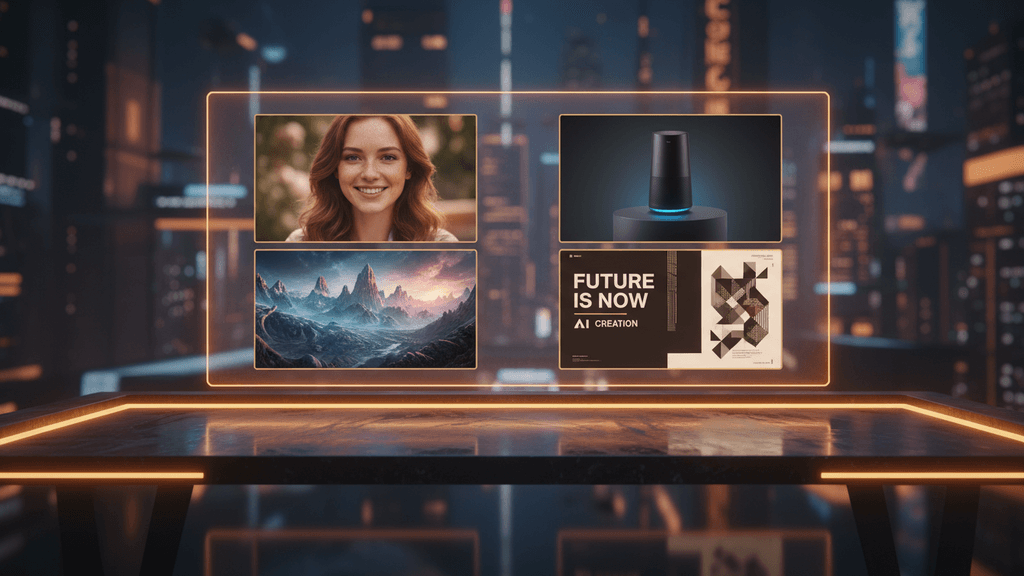
There’s No Single “Best” AI Image Generator Anymore
A year ago, picking an AI image generator was simple: Midjourney for quality, DALL-E for convenience, Stable Diffusion for control. Done.
In 2026, there are over 30 capable models from a dozen providers, and the gap between them has shrunk dramatically. The real question isn’t “which is best?” — it’s “which is best for what you’re doing?”
We tested 10 of the most capable AI image generators across five categories that actually matter for content creators and business owners: photorealism, text rendering, speed, creative style, and cost efficiency. Here’s what we found.
The 10 Best AI Image Generators in 2026
1. GPT Image 1.5 — Best for Prompt Understanding
OpenAI’s latest image model doesn’t just generate images — it understands what you mean. Complex prompts with multiple objects, spatial relationships, and specific compositions come out right on the first try. It leads the LM Arena leaderboard with an Elo score of 1,264 for a reason.
Best for: Marketing materials, complex compositions, text-heavy designs Strengths: Unmatched prompt fidelity, excellent text rendering, handles multi-element scenes Weakness: Slower than dedicated speed models, artistic style can feel clinical Cost: ~$0.04/image (standard)
2. Midjourney v7 — Best for Visual Storytelling
Midjourney built its reputation on making images that feel something. V7 continues that tradition — dramatic lighting, painterly textures, and an almost cinematic quality that other models struggle to match. If your content needs to stop the scroll, this is where you start.
Best for: Brand campaigns, hero images, social media content that needs emotional impact Strengths: Aesthetic quality, dramatic lighting, consistent artistic style Weakness: No official API, subscription-only ($10-120/mo), less precise prompt control Cost: $10/mo (Basic) to $120/mo (Mega)
3. FLUX 2 Pro — Best for Professional Photography
FLUX 2 Pro from Black Forest Labs has become the go-to for photorealistic output. Architectural photography, product shots, lifestyle scenes — FLUX 2 handles them with a naturalness that feels like an actual camera captured the image. Depth of field, lighting, and material textures are remarkably accurate.
Best for: Product photography, real estate, lifestyle content, e-commerce Strengths: Photorealism, natural lighting, material textures, depth of field Weakness: Less stylized than Midjourney, text rendering not as strong as GPT Image Cost: ~$0.06/image (1K resolution)
4. Google Imagen 4 — Best for Speed + Quality Balance
Google’s Imagen 4 family launched as a three-tier system: Fast ($0.02), Standard ($0.04), and Ultra ($0.06). The Fast variant generates images in under 3 seconds with quality that would’ve been premium-tier a year ago. Ultra delivers stunning detail with accurate text, hands, and faces.
Best for: High-volume content, social media teams, creators who need fast iterations Strengths: Three-tier pricing, fast generation, excellent text rendering, SynthID watermarking Weakness: Aesthetic style less distinctive than Midjourney Cost: $0.02-0.06/image depending on tier
5. Nano Banana 2 — Best All-Rounder for Production
Powered by Google’s Gemini architecture, Nano Banana 2 has earned its “best for most people, most of the time” reputation. It generates in 1-3 seconds, handles any style from photorealistic to illustrated, and its prompt understanding is second only to GPT Image 1.5.
Best for: Daily content production, ad creatives, multi-image campaigns Strengths: Speed (1-3s), versatility, strong prompt adherence, production-ready output Weakness: Less specialized than dedicated photorealism or art models Cost: ~$0.08/image
6. Kontext Pro — Best for Brand Consistency
Kontext Pro from Black Forest Labs (the FLUX team) solves a problem that plagues every other generator: keeping your brand’s visual identity consistent across dozens of images. Feed it reference images and it maintains color palettes, styling, and visual language.
Best for: Brand content series, consistent social feeds, campaign assets Strengths: Reference image support, style transfer, brand consistency Weakness: Requires good reference images to shine Cost: ~$0.05/image
7. Ideogram 2.0 — Best for Typography
If your image needs text — and most social media content does — Ideogram is still the specialist. Logos, poster designs, title cards, and quote graphics come out with sharp, readable, correctly spelled text. No other model matches its typography accuracy for English text.
Best for: Quote graphics, poster designs, title cards, logos with text Strengths: Near-perfect text rendering, creative layouts, poster-style compositions Weakness: Photorealism lags behind FLUX and Imagen Cost: Free tier available, Pro from $8/mo
8. Recraft V4 — Best for Logos and Vector Graphics
Recraft V4 carved out a unique niche: it’s the only top-tier generator that exports SVG. For logos, icons, and brand marks that need to scale infinitely, Recraft is the only serious option. It consistently tops the HuggingFace logo generation benchmarks.
Best for: Logos, brand marks, icons, print-ready graphics Strengths: SVG export, scalable vectors, brand styling tools, clean graphic design Weakness: Not built for photorealistic content Cost: ~$0.04/image
9. FLUX Schnell — Best Free/Budget Option
FLUX Schnell remains the king of “good enough for free.” As an open-source model (Apache 2.0), it’s available through dozens of providers at near-zero cost. Quality is genuinely impressive for a model this fast and affordable — perfect for drafts, iterations, and high-volume work.
Best for: Prototyping, high-volume drafts, budget-conscious creators, testing prompts Strengths: Open source, near-free, fast (2-4 seconds), commercially licensed Weakness: Noticeable quality gap vs. pro models at high resolution Cost: $0.001-0.005/image
10. GPT Image 1.5 (Replicate) — Best for API Developers
The same GPT Image 1.5 model, but accessed through Replicate’s developer-friendly API. If you’re building image generation into your own product or workflow, Replicate offers pay-per-use pricing, webhooks, and a clean REST API that makes integration straightforward.
Best for: Developers, automated workflows, custom applications Strengths: Clean API, webhook support, pay-per-use, no subscription Weakness: Same model limitations as GPT Image 1.5 Cost: ~$0.04/image + compute time
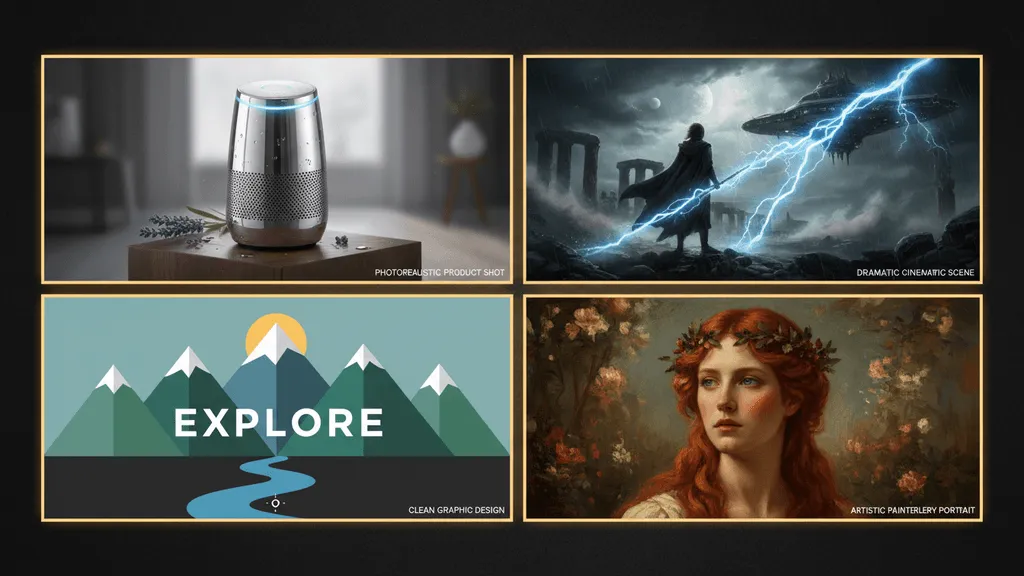
Quick Comparison Table
| Model | Photorealism | Text Rendering | Speed | Cost/Image | API Access | Best For |
|---|---|---|---|---|---|---|
| GPT Image 1.5 | Excellent | Excellent | Medium | $0.04 | Yes | Complex prompts |
| Midjourney v7 | Very Good | Good | Medium | Subscription | No | Visual storytelling |
| FLUX 2 Pro | Excellent | Good | Medium | $0.06 | Yes | Product photos |
| Imagen 4 | Excellent | Excellent | Fast | $0.02-0.06 | Yes | Volume + quality |
| Nano Banana 2 | Very Good | Very Good | Very Fast | $0.08 | Yes | All-round production |
| Kontext Pro | Very Good | Good | Medium | $0.05 | Yes | Brand consistency |
| Ideogram 2.0 | Good | Excellent | Medium | Free/$8+ | Yes | Typography |
| Recraft V4 | Good | Good | Medium | $0.04 | Yes | Logos & vectors |
| FLUX Schnell | Good | Fair | Very Fast | $0.001 | Yes | Budget / prototyping |
| GPT Image (Replicate) | Excellent | Excellent | Medium | $0.04+ | Yes | Developers |
How to Choose: Match the Model to the Job
The biggest mistake creators make is picking one model and using it for everything. In 2026, the smartest approach is multi-model — route each job to the model that handles it best.
Here’s a decision framework:
Need photorealistic product shots? FLUX 2 Pro or Imagen 4 Ultra. Both handle lighting and material textures with near-photographic accuracy.
Need scroll-stopping social content? Midjourney v7 for emotional impact, or Nano Banana 2 for fast, versatile output.
Need text in the image? GPT Image 1.5 or Ideogram 2.0. Both handle typography accurately — GPT Image is better for complex scenes with text, Ideogram for text-first designs.
Need brand-consistent series content? Kontext Pro with reference images, or use a consistent seed + prompt template in any pro model.
Need logos or scalable graphics? Recraft V4 is the only option with SVG output.
On a tight budget? FLUX Schnell at $0.001/image is genuinely useful for drafts and iterations. Upgrade individual outputs to a pro model when they’re ready for final production.
The Multi-Model Advantage
Most AI image platforms lock you into a single model. You pick one, learn its quirks, and work around its limitations.
But the data is clear: multi-model workflows produce better results at lower cost. A creator who uses FLUX Schnell for rapid prototyping, switches to FLUX 2 Pro for final product shots, and finishes with Ideogram for text overlays gets better output than someone using any single model for all three.
The challenge has always been that using multiple models meant juggling multiple subscriptions, multiple interfaces, and multiple learning curves.
That’s exactly why platforms like MeetNour exist. MeetNour gives you access to 24 image models from 7 different providers — FLUX 2 Pro, Kontext Pro, Imagen 4, Nano Banana 2, Recraft V4, Ideogram 2.0, FLUX Schnell, and more — all through a single interface. One prompt bar, one credit system, one gallery. You pick the right model for each job without switching tabs.
Combined with MeetNour’s AI Studio, you can generate, compare, and refine across models in a single workspace. Add Design Studio for text overlays and stickers, Caption Studio for video captions, and Social Planner to schedule everything — and you have the complete content pipeline in one place.
What About Free AI Image Generators?
Free tiers exist, but they come with trade-offs:
- Ideogram offers a free tier with limited daily generations — great for testing, not for production
- FLUX Schnell is open source and available through free-tier providers — quality is solid for drafts
- MeetNour gives every user 50 free credits daily — enough for several images across any model, no credit card required
- Canva Magic Design includes basic AI image generation on its free plan
For serious content creation, expect to spend $8-30/month on a paid plan with any platform. The ROI is immediate when you compare it to stock photo subscriptions or hiring photographers.
Frequently Asked Questions
What is the best AI image generator in 2026?
There’s no single best — it depends on your use case. For photorealism, FLUX 2 Pro and Imagen 4 Ultra lead. For artistic quality, Midjourney v7 is unmatched. For prompt understanding and text rendering, GPT Image 1.5 wins. For all-round production, Nano Banana 2 offers the best balance of speed, quality, and versatility.
Is Midjourney still the best AI art generator?
For pure aesthetic quality, yes — Midjourney v7 produces images with emotional depth and artistic polish that other models can’t match. But it lacks an API, requires a subscription, and isn’t the best choice for photorealistic or text-heavy content. Most creators now use Midjourney alongside other models.
Which AI image generator is best for social media?
For social media content, you want speed, versatility, and good-enough quality across many styles. Nano Banana 2 and Imagen 4 Fast are the top picks — both generate in seconds and handle everything from product shots to quote graphics. For hero images that need to stop the scroll, upgrade individual outputs to Midjourney or FLUX 2 Pro.
Are AI-generated images free to use commercially?
It depends on the model and platform. Open-source models like FLUX Schnell (Apache 2.0) are fully commercial. Paid platforms like Midjourney, GPT Image, and Imagen 4 grant commercial rights on paid plans. Always check the specific license terms — some models restrict certain use cases like political content or deepfakes.
Can I use multiple AI image generators together?
Absolutely — and you should. Multi-model workflows produce better results at lower cost. Use fast models (FLUX Schnell, Imagen 4 Fast) for drafting, switch to quality models (FLUX 2 Pro, Midjourney) for finals, and use specialists (Ideogram for text, Recraft for logos) when needed. Platforms like MeetNour make this easy by offering 24 models through a single interface.
The Bottom Line
The AI image generation landscape in 2026 is the strongest it’s ever been. Competition between GPT Image 1.5, FLUX 2, Midjourney, Imagen 4, and the specialist models means quality is up, prices are down, and there’s a perfect tool for every job.
The winners aren’t the creators who find the single “best” model — they’re the ones who learn which model to use for which job, and build a workflow that routes each task to the right tool.
Start with the comparison table above, test 2-3 models that match your content type, and build from there. Or skip the tab-switching and try MeetNour free — 24 models, one interface, 50 free credits daily.

Create professional content
in minutes, not days.
One platform for AI images, videos, voiceovers, music, captions, and social planning. 7 providers. 64 models. Zero complexity.