Claude MCP Video Generation: Make AI Videos From Chat
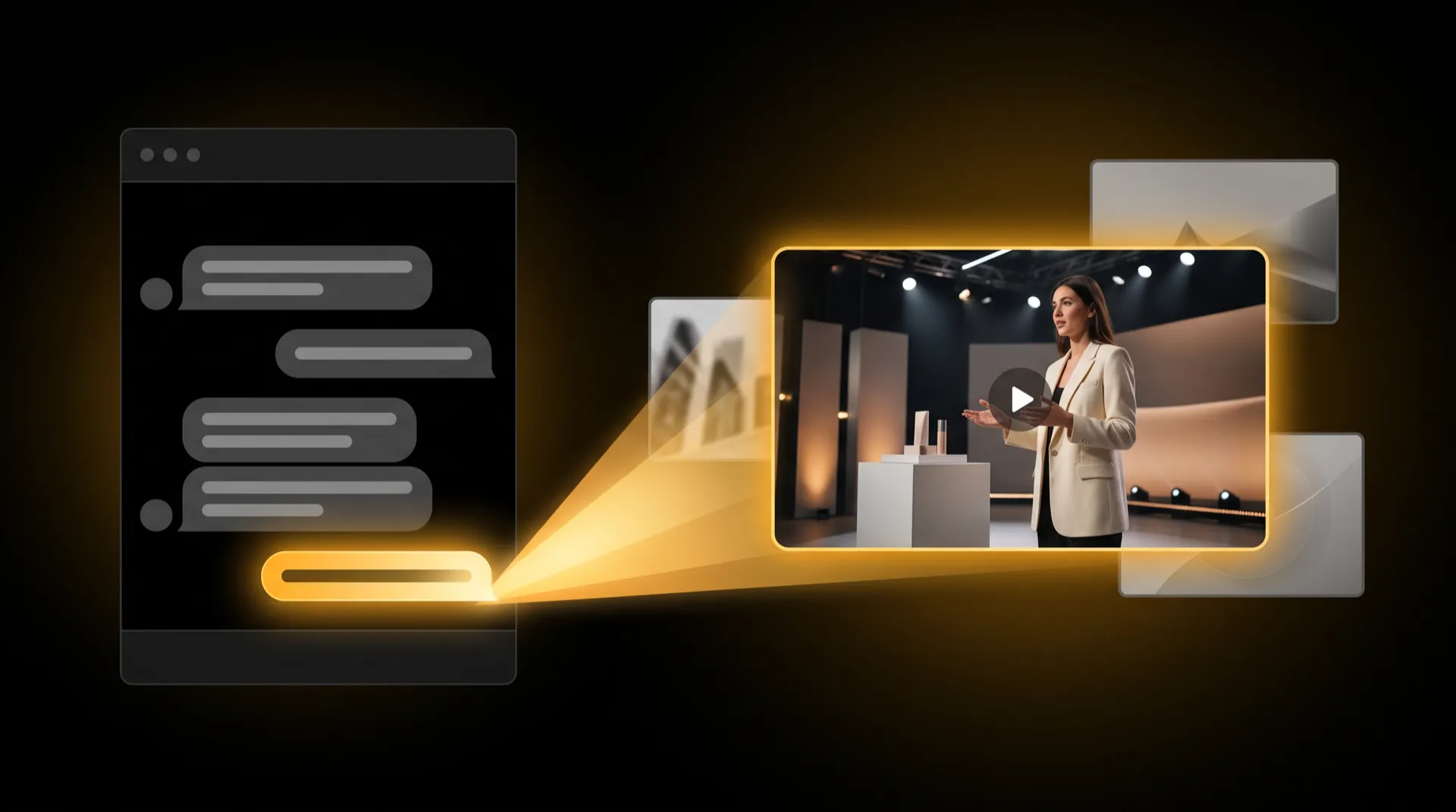
To generate AI videos from Claude, you connect an MCP server that makes video, then ask for what you want in plain language. Claude calls the tool, the tool renders the clip, and Claude hands you the link. With MeetNour you add one connector URL, link your account once, and then ask for images, short videos, videos with your own talent, or a full campaign from a brief.
This guide covers what MCP is, what changes once a media tool is connected, and a walkthrough with four requests you can copy.
What MCP Is, in Two Sentences
The Model Context Protocol (MCP) is an open standard that lets an AI assistant use outside tools: a server describes what it can do, and the assistant calls it when your request needs it. Claude and other MCP-compatible assistants can connect to these servers, so a chat can reach a calendar, a database or, in this case, a production tool that makes images and video.
Claude does not draw pictures or render video on its own. A media connector gives it hands.
What You Can Do Once a Media Tool Is Connected
With a video and image connector in place, the chat becomes the place where the work starts:
- Ask for an image and get a link to the finished file in the same thread.
- Ask for a short video and let Claude check on it while it renders.
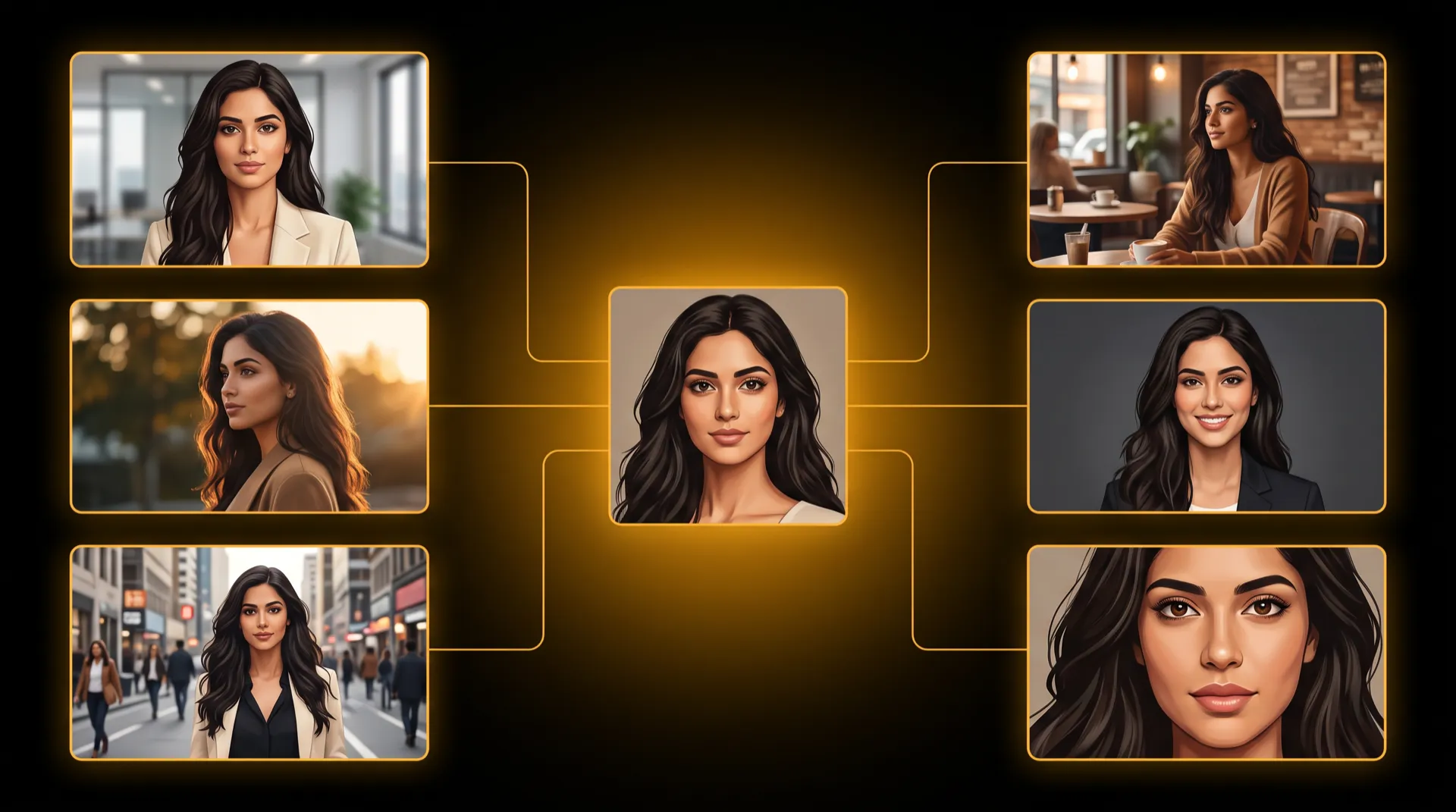
- Feature the same person across images and videos, if the tool keeps recurring talent.
- Brief a whole ad and pick from concepts before anything expensive happens.
- Check your balance and recent work without leaving the conversation.
The difference from pasting prompts into a separate app: Claude keeps the context. It knows what you asked three messages ago, so “make the same scene, but at night” works.
Step 1: Connect MeetNour to Claude
MeetNour is an AI production team in one tool, and it works inside Claude through MCP. Setup takes a couple of minutes, once.
Account linking (most people):
- In Claude’s connector settings, add a custom connector and paste the MeetNour URL:
https://meetnour.com/api/mcp - Claude opens a secure “Connect MeetNour” screen. Sign in and pick the workspace whose brand and talent Claude should use.
- Go back to the chat and ask.
Claude never sees your password, and you can disconnect at any time from Claude’s connector settings.
API key (for your own scripts and MCP clients): create a key in MeetNour under Settings → Account → API Keys and send it as a bearer token to the same URL. Keys are shown once, and you can revoke them from the same page.
The full setup guide, with every tool listed, is on the developers page.
Step 2: Ask in Chat — Four Example Requests
Write the way you would brief a person. These four cover most of what people do from chat.
1. An image with your brand
“Check my brand colors in MeetNour, then make a square product shot of our ceramic espresso set on a marble counter in that palette, morning light.”
Claude reads your brand kit (name, colors, voice, products) from the workspace you linked and writes it into the request. The image comes back as a link, along with the model used and the credits charged. MeetNour uses its default image model unless you name one.
2. A short video
“Make a 5-second vertical video of steam rising from a fresh espresso, slow push-in.”
Videos are queued, not instant. Claude starts the job and can check on it for you; renders usually take a few minutes. When it is done you get the video link. You can set the length and the shape (9:16 for reels, 16:9 for widescreen); the allowed length depends on the model.
3. A video featuring your talent
“List my talent. Then make an 8-second video of Layla walking through a night market, smiling at the camera.”
Talent is the recurring AI person you build in the Casting Room. Claude finds Layla in your workspace and sends her identity sheet with the request; unless you name a model, talent videos run on one that keeps identity references. Face consistency is high — we aim for 85–90%, and results vary by model and scene.
No talent yet? Ask: “Create a new talent: a friendly barista in her thirties, short dark hair.” The Casting Room builds a portrait and an identity sheet in a few minutes, and Claude tells you when she is ready to use. For the full method behind recurring faces, see our guide to consistent AI characters.
4. A full campaign from a brief
“Plan a 30-second vertical launch ad for our new perfume, starring Layla. Bold and elegant, women 25–40.”
This is where chat shines. The request runs through the same engine as Director Room:
- Three concepts. Nour expands your brief with your brand and returns three ideas with a title, a one-line story and the key moment. You pick one.
- The plan and the price. Nour writes the scenes, the voiceover lines and the music direction, and shows the total credits for production next to your balance.
- Your yes. Nothing in the production budget is spent until you clearly confirm.
- The shoot. MeetNour makes every frame, every clip, the voiceover and the music, then cuts the final video. This takes several minutes; Claude checks progress and gives you the final link.
Campaigns come in 15, 30 or 60 seconds, in vertical, feed, YouTube or LinkedIn shapes.
How Credits Work From Chat
| What you ask | What it costs | When you see the price |
|---|---|---|
| An image | Credits for that model | Claude reports the credits charged with the result |
| A video | Credits for that model and length | Claude reports the estimate when the job starts |
| A new talent | Credits for the portrait and identity sheet | Charged as the Casting Room works |
| A campaign | A small amount for concepts and the written plan, then the production budget | The production budget is shown before you confirm |
The rules are the same as in the app:
- Same credits, same account. Chat and app draw from one balance.
- Short balance stops early. If you do not have enough credits, MeetNour stops before rendering and says how many you need.
- Failed generations are refunded the same way they are in the app.
What It Does Not Do From Chat
Chat is the fast front door. Some work still belongs in the app:
- No frame-by-frame storyboard edits. In chat, a campaign makes its frames in sequence and keeps going. To redraw one frame, swap in your own image or reorder shots, open the production in Director Room.
- No sheet picking or wardrobe. Talent created from chat uses the first identity sheet. To compare sheets or add outfits, use the Casting Room.
- Captions start in chat, finish in the app. Claude can transcribe a video from a public link into a Caption Studio project; styling and export happen in Caption Studio. A file attached to the chat is not enough — the video needs a public URL.
- No reference photos for single images. Product photos and other reference images are added in the app.
- Cinematic Shots, AI Hooks, Multicam, standalone voiceover and music are app features, not chat tools.
- No posting. MeetNour makes the media; you post it where you want.
Chat or App: Which to Use?
Use chat when you are already thinking in Claude: drafting an idea, testing three concepts, making a quick image or clip, or briefing a full ad while you write the launch email. Use the app when you want your hands on the work: pick models, compare outputs side by side in AI Studio, or edit the storyboard in Director Room.
Both see the same brand, the same talent and the same gallery, so you can start in one and finish in the other.
MeetNour is launching soon — join the waitlist to connect it to Claude on day one.
FAQ
Can Claude generate videos?
Claude does not render video by itself. When you connect an MCP server that makes video, such as MeetNour, Claude can call it from the chat, follow the render and hand you the finished link.
How do I generate images in Claude?
Connect an image-capable MCP connector in Claude’s connector settings, link your account, and ask for the image in plain language. With MeetNour, the connector URL is https://meetnour.com/api/mcp, and the image comes back as a link with the credits charged.
Does MeetNour work with assistants other than Claude?
MeetNour works with Claude and other MCP-compatible assistants. Assistants that support custom MCP connectors with account linking can connect, and developers can use an API key from their own MCP clients.
Will a campaign spend credits without asking me?
No. A campaign uses a small amount of credits to write the concepts and the plan, then shows the full production budget and waits for your clear yes before it makes any frames, clips, voiceover or music.
Is MeetNour an official Claude partner?
No. MeetNour is an independent product that connects to Claude through the open Model Context Protocol. Claude is a trademark of Anthropic.

Write a brief.
Get a full campaign.
MeetNour is your AI production team in one tool: images, videos, AI avatars, cinematic shots, voiceovers and captions, with your brand in every generation. A short shelf of leading AI models, kept current — Nour picks the right one for each job, or you choose.