Seedance 2.5 Guide: Prompts, Length and Best Uses
What Is Seedance 2.5?
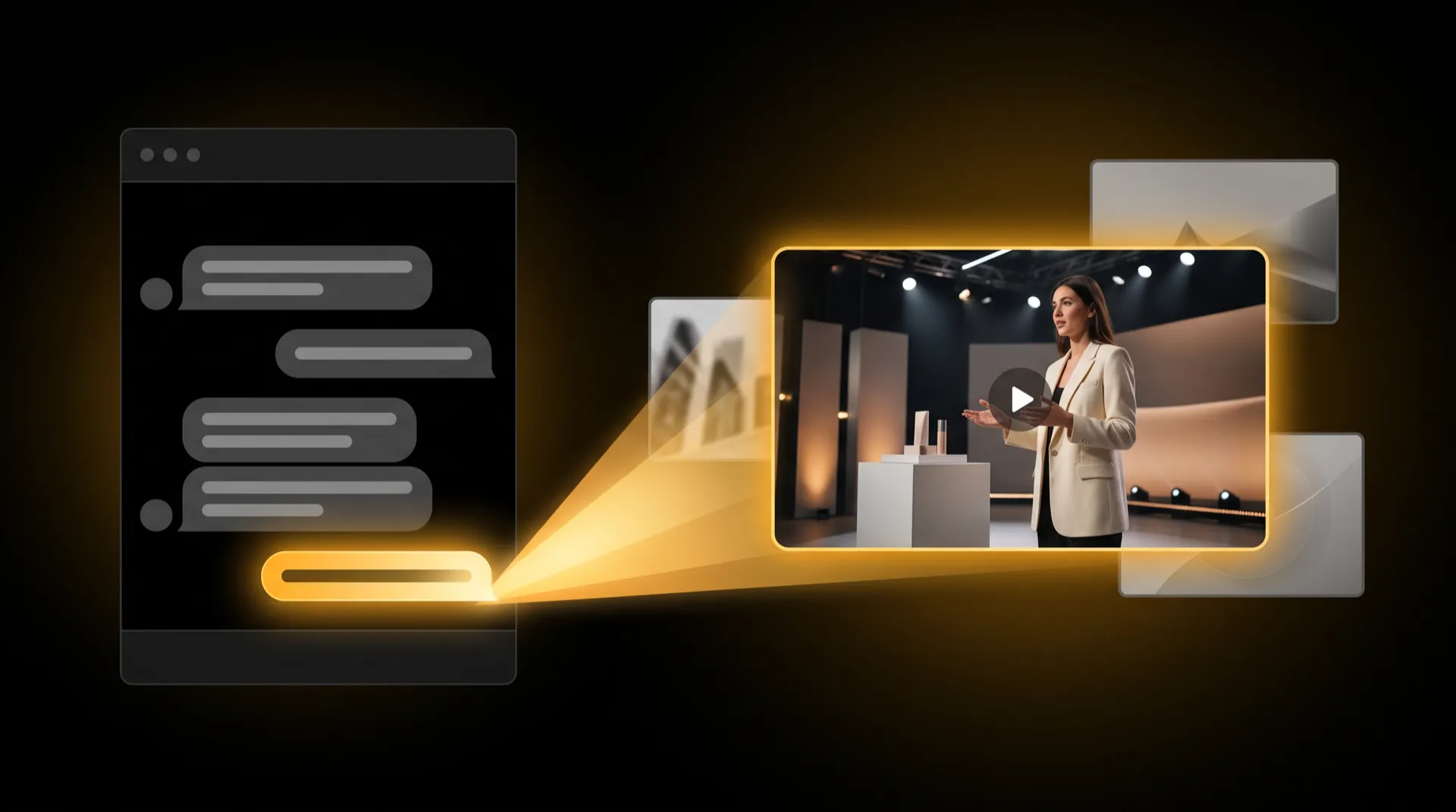
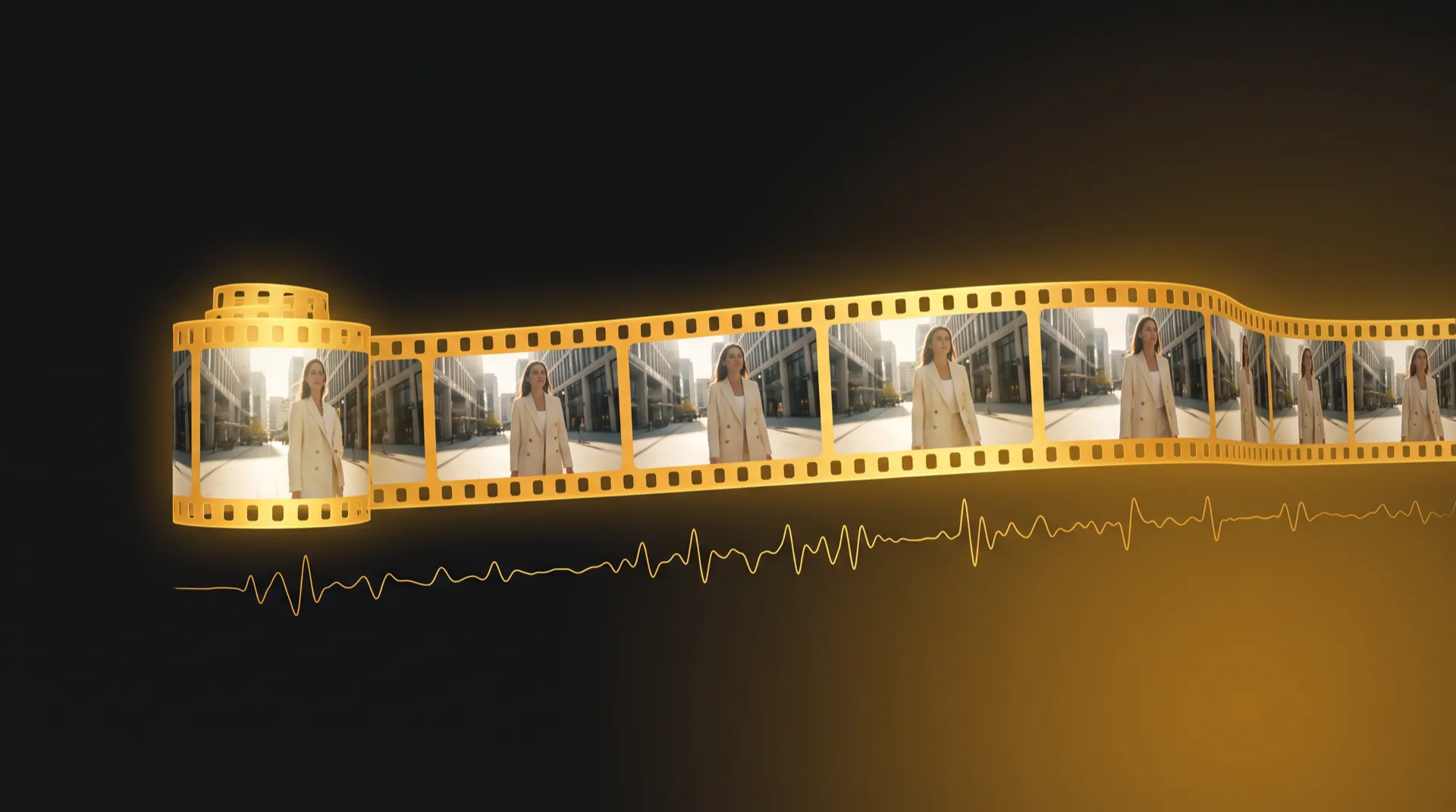
Seedance 2.5 is ByteDance’s AI video model that makes one continuous clip of 4 to 30 seconds, with the sound generated together with the picture: speech, ambience and effects. It works from text, a start image, reference images or an existing video, and renders at 480p, 720p or 1080p. Use it for longer single takes and for people speaking a line, and draft short and low-resolution first, because longer and sharper clips cost more.
ByteDance released it in July 2026. On the public Artificial Analysis text-to-video leaderboard, read on October 1, 2026, Seedance 2.5 ranks #3 with a score of 1143; Wan 3.0 is #1 at 1158.
Seedance 2.5 at a Glance
| Seedance 2.5 | Seedance 2.0 | |
|---|---|---|
| Released | July 2026 | March 2026 |
| Clip length | 4–30 s in one generation | 4–15 s |
| Sound | Generated with the picture | Included |
| Reference images | Up to 30 (provider docs) | Up to 9 |
| Artificial Analysis rank (Oct 1, 2026) | #3 (1143) | #7 (1117) |
| Cost per second | Higher | Lower |
From published specifications and the public leaderboard; not from our own benchmark.
Provider docs also list up to 10 reference videos and 10 audio references, plus video-to-video, where an existing clip guides the new one.
Where Seedance 2.5 Fits — and Where It Doesn’t
Good fits:
- One continuous take of 10–30 seconds — a walk-through, a product reveal, a short scene with an arc
- A person speaking a line — the voice, room tone and effects are made in the same pass as the picture
- Several shots in one clip — a timed shot list in the prompt, rendered in one generation
- Scenes steered by several references — a product, a location and a person, each from its own image
Not the right pick:
- Cheap drafts of a simple camera move. Seedance 1.5 Pro or Wan 2.6 Flash cost less per clip.
- A shot that must land on an exact first and last frame. Kling 3’s published specs are built around a start and an end frame. See Kling 3 vs Seedance 2.5 for that trade-off.
- Clips under 4 seconds. Four seconds is the minimum.
- Photos of real people as the input image. In our own use, Seedance 2.x declined photoreal photos of real people’s faces as input images, while generated talent and references without a face worked. That is our observation, not a published rule.
How to Write a Seedance 2.5 Prompt
A good Seedance 2.5 prompt answers five questions, in this order:
- Subject — who or what, with the details that must not change: clothing, product color, the label.
- Action — what happens, in order. One main action per shot.
- Camera — framing and movement: wide, close-up, slow dolly in, handheld, static.
- Sound — the spoken line in quotation marks, who says it and how, plus ambience and effects. Say “no music” if you will add your own.
- Length and format — total duration and aspect ratio; for several shots, a time range for each.
Keep spoken lines short. The rule of thumb we use for AI Hooks is about 2.5 words per second of clip, plus a beat before and after the line. A 12-word line fits comfortably in 7 or 8 seconds.
Example 1: a 15-second product ad (no dialogue)
15-second vertical 9:16 ad. A matte black steel water bottle with a small gold
logo stands on a wet granite rock beside a mountain stream at sunrise.
Shot 1 (0–5 s): slow dolly in from a wide shot to a close-up of the logo, water
droplets running down the bottle.
Shot 2 (5–10 s): a hiker's hand lifts the bottle and drinks; the camera follows
with a smooth tilt up, golden backlight.
Shot 3 (10–15 s): static close-up, the bottle is set back down on the rock, mist
drifting behind it.
Sound: rushing stream, birdsong, a soft metallic clink as the bottle touches
stone. No music, no on-screen text.
Example 2: a 10-second talking product explainer
10-second vertical 9:16 video. A woman in her early thirties with shoulder-length
curly dark hair and a cream knit sweater sits at a bright kitchen counter,
holding a small amber glass serum bottle toward the camera.
Medium close-up, eye level, static camera, soft window light from the left.
She looks into the lens and says, warmly and at a natural pace:
"Three drops at night. That's it. Your skin does the rest."
She smiles and sets the bottle down on the counter.
Sound: her voice clear and close, quiet kitchen ambience, no music.
Example 3: a 20-second multi-shot scene
20-second cinematic 16:9 scene. A rainy city street at night, neon reflections
on wet asphalt.
Shot 1 (0–5 s): wide establishing shot, a courier in a yellow rain jacket cycles
through an empty intersection; the camera tracks alongside.
Shot 2 (5–10 s): low-angle close-up of the front wheel splashing through a
puddle, slow motion.
Shot 3 (10–15 s): medium shot, the courier stops under a shop awning, pulls back
the hood and checks a phone, face lit by the screen.
Shot 4 (15–20 s): close-up, the courier looks up and says quietly:
"Last one tonight."
Sound: steady rain, distant traffic, tire hiss on water, the line spoken softly.
All three use concrete nouns, one action per shot, a named camera move and written-out sound.
How Reference Images Work
A reference shows the model what something looks like. The prompt says what happens to it. Keep those two jobs separate.
- Name each reference by its role in the prompt: “the bottle from the first image”, “the kitchen from the second image”.
- A start frame is not a reference. A start frame becomes the first frame of the clip. A reference is a look to match anywhere in the clip.
- Use clean references: a product on a plain background, a location without people, a person in even light.
- Fewer is often better. Provider docs allow up to 30 reference images; MeetNour’s AI Studio accepts up to 9 today, which covers a product, a location and a person with room to spare.
For a person who appears in clip after clip, build them once as talent in the Casting Room. An identity sheet with eight views locks the look, and you attach that talent instead of a loose photo. We aim for 85–90% face consistency, and results vary by model and scene.
Resolution and Length: Spend in the Right Order
The price of a Seedance 2.5 clip grows with every second and every step up in resolution. Seedance 2.5 also costs more per second than Seedance 2.0. So check the idea before you pay for the polish:
| Pass | Length | Resolution | What you are checking |
|---|---|---|---|
| Idea check | 4–6 s | 480p | Motion, framing, whether the line lands |
| Timing pass | Full length | 480p or 720p | Pacing, shot changes, sound |
| Final | Full length | 720p or 1080p | Only once the draft works |
If a 30-second final goes wrong in the last shot, you pay for all 30 seconds again.
How to Use Seedance 2.5 in MeetNour
As of October 2026, Seedance 2.5 is on the MeetNour shelf at 480p, 720p and 1080p, with clips up to 30 seconds. Model availability can vary by plan. There are four ways to use it, depending on the job.
1. AI Studio — direct control. Choose Seedance 2.5 in the model picker, attach your references or your talent, set the length and resolution, and write the prompt. Or leave the picker on Auto (“Nour picks”): Nour chooses a model under a price ceiling and shows which model it picked and why. Either way, the price is on the button before you generate.
2. AI Hooks — one person, one line. In Cinematic Shots, the Hooks group drops one person into one of eight scenarios, such as a red-carpet reporter, a news desk or zero gravity. Add a photo, a library image or your Casting Room talent, type the line, and Seedance 2.5 renders a 4–12 second clip with that person speaking it. The length follows the line. (Mind the note on real photos above: generated talent is the safer input.)
3. Multicam — one take becomes a multi-shot edit. Upload a single take of up to 90 seconds. MeetNour reads it, writes a timed shot list and renders it with Seedance 2.5 in passes of up to 30 seconds. A Look picker sets the grade: Original, Cinematic, Thriller, Documentary or Noir.
4. Director Room — a whole video. When one clip is not enough, write a brief and get three concepts, a storyboard with one frame per shot, video clips and a final video with voiceover and music. One button per step, with the price on each button.
Your brand settings travel with you across all four.
FAQ
How long can a Seedance 2.5 video be?
Seedance 2.5 makes clips of 4 to 30 seconds in a single generation. That is twice the 15-second ceiling of Seedance 2.0. Longer clips cost more, so check the idea at 4–6 seconds first.
Does Seedance 2.5 generate sound?
Yes. Seedance 2.5 generates sound together with the picture, including speech, ambience and effects. Write the spoken line in quotation marks and describe the sounds you want, or say “no music” if you plan to add your own track.
What is the difference between Seedance 2.5 and Seedance 2.0?
Seedance 2.5 makes longer clips (up to 30 seconds instead of 15) and, according to provider docs, accepts more references, including reference videos and audio. It also ranks higher on the public Artificial Analysis text-to-video leaderboard (#3 versus #7 on October 1, 2026). It costs more per second.
Can I use a photo of a real person with Seedance 2.5?
In our own use, Seedance 2.x declined photoreal photos of real people’s faces as input images, while generated talent and non-face references worked. That is our observation, not a published rule. For a recurring face, building talent in the Casting Room is the more reliable route.
Is Seedance 2.5 better than Kling 3?
They suit different jobs. On paper, Seedance 2.5 leads on clip length and sound, while Kling 3 is built around a controlled start and end frame. Our Kling 3 vs Seedance 2.5 comparison breaks it down by job.
MeetNour is launching soon — join the waitlist to try Seedance 2.5 alongside the rest of the shelf.

Write a brief.
Get a full campaign.
MeetNour is your AI production team in one tool: images, videos, AI avatars, cinematic shots, voiceovers and captions, with your brand in every generation. A short shelf of leading AI models, kept current — Nour picks the right one for each job, or you choose.