Best AI Caption & Subtitle Tools in 2026: Auto-Captions for Reels, TikTok & YouTube
Captions Aren’t Optional Anymore
Let’s start with the numbers:
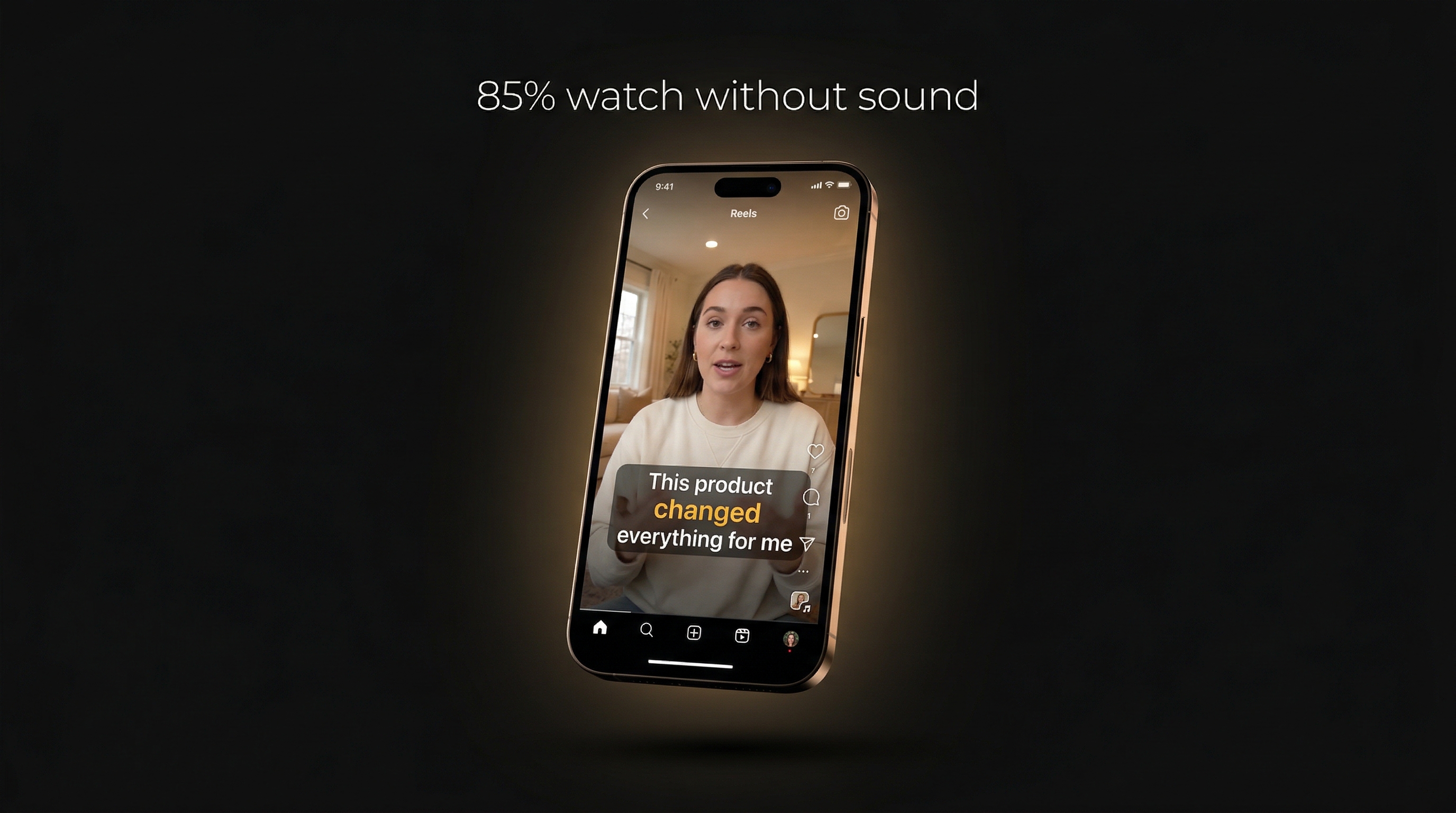
- 85% of Facebook videos are watched without sound
- 80% of viewers are more likely to watch a video to completion if it has captions
- 40% increase in engagement for captioned vs uncaptioned posts
- Captions improve SEO — search engines can index the text content of your videos
Whether it’s Instagram Reels, TikTok, YouTube Shorts, or LinkedIn videos — if your content doesn’t have captions, you’re leaving views on the table.
How AI Captioning Works
Modern AI captioning uses speech-to-text (STT) models that transcribe audio into word-level timed text. The best models in 2026:
- Deepgram Nova-3 — Fastest, most accurate for real-time transcription
- OpenAI Whisper — Open-source, good accuracy, slower
- Google Speech-to-Text — Strong multilingual support
The process:
- Upload your video
- AI extracts the audio track
- Speech-to-text model transcribes every word with precise timestamps
- Words are grouped into caption segments
- You style and animate the captions
- Export as subtitle file or burn into the video
Caption Styles That Boost Engagement
Not all captions are equal. The style and animation dramatically affect viewer retention:
Word-by-Word Highlight (Karaoke Style)
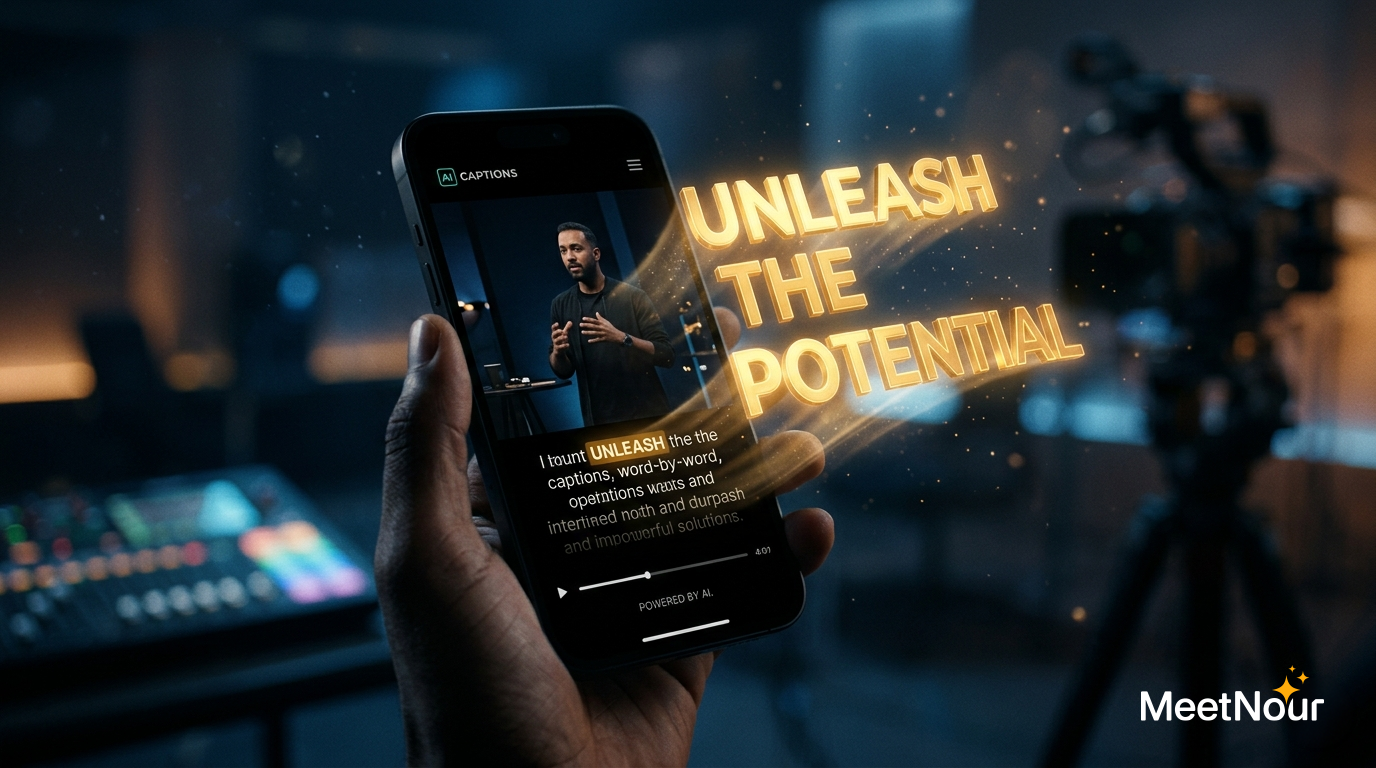
Each word lights up as it’s spoken. This is the most popular style on TikTok and Reels — it keeps viewers reading along and improves retention.
Pop Animation
Words pop onto screen with a bounce effect. Energetic and attention-grabbing. Great for fast-paced content.
Typewriter
Letters appear one by one as if being typed. Creates anticipation. Works well for storytelling.
Cinematic
Subtle fade-in/fade-out with a slight zoom. Professional look for longer-form content and brand videos.
Static with Active Word Color
All words visible, but the current word changes color. Clean and readable. Best for educational content.
The Arabic & RTL Gap
One of the most underserved markets in video captioning is Arabic and RTL languages. Most popular caption tools either don’t support Arabic at all, or handle it poorly — reversed text, broken characters, wrong alignment.
For creators targeting Arabic-speaking audiences (400+ million people), proper RTL caption support isn’t a nice-to-have — it’s essential.
Export Formats Explained
When you’re done styling your captions, you need to export them. Here’s when to use each format:
SRT (SubRip)
The universal standard. Works with YouTube, Facebook, LinkedIn, and most video players. Simple text + timestamps, no styling.
VTT (WebVTT)
Web-optimized format for HTML5 video players. Supports basic styling. Used for website embeds.
ASS (Advanced SubStation Alpha)
Rich format that preserves all styling — fonts, colors, animations, positioning. Best for burning captions into video with full visual fidelity.
Burned-In Video (Hardcoded)
Captions rendered directly into the video file. What you see is what viewers get, regardless of platform. Best for social media where subtitle support varies.
Comparing AI Caption Tools
| Feature | CapCut | Descript | Captions.ai | MeetNour |
|---|---|---|---|---|
| Auto-transcription | Yes | Yes | Yes | Yes (Deepgram Nova-3) |
| Word-level timing | Yes | Yes | Yes | Yes |
| Animation styles | 5-8 | Basic | 10+ | 14 |
| Style presets | Limited | Limited | Yes | 10 presets |
| Arabic/RTL support | Poor | No | Limited | Full RTL support |
| Custom fonts | Limited | Limited | Limited | 18 fonts (6 groups) |
| SRT/VTT export | Yes | Yes | Yes | Yes |
| Burn-in video export | Yes | Yes | Yes | Yes (FFmpeg + ASS) |
| Split/merge captions | No | Yes | No | Yes |
| Part of larger platform | No | No | No | Yes (AI Studio + Planner) |
Why MeetNour’s Caption Studio Stands Out
Caption Studio isn’t just another captioning tool — it’s part of a complete content creation platform:
- Deepgram Nova-3 for fast, accurate word-level transcription
- 14 animation styles: Fade, Pop, Bounce, Slide, Zoom, Typewriter, Karaoke, Word Reveal, Glow, Spotlight, Artistic, Cinematic, Stamp, Static
- 10 style presets: Classic Fade, Bold Pop, Neon Karaoke, Word Reveal, Bounce, Typewriter, Cinematic, Spotlight, Stamp, Hormozi
- 18 fonts in 6 groups including Arabic fonts (Cairo, Almarai, Tajawal, Noto Kufi Arabic, Amiri)
- Full RTL support with auto-detection for Arabic and Hebrew
- Split/merge caption segments for perfect timing
- Export to SRT, VTT, ASS, or burned-in video (FFmpeg rendering)
- Figma-style project management with multiple projects and tabs
And because it’s part of MeetNour, you can generate the video in AI Studio, caption it in Caption Studio, and schedule it in Social Planner — one platform, no switching.

Create professional content
in minutes, not days.
One platform for AI images, videos, voiceovers, music, captions, and social planning. 30+ AI models. Zero complexity.