AI Music Generator for Videos: Prompts, Tools and Rights
The Music Licensing Problem
Every content creator has been there. You find the perfect background track for your video, upload it, and get a copyright claim. The video is muted, or the rights holder claims the monetization.
Music licensing for content creation has always been a mess:
- Stock music libraries: monthly subscriptions, limited selection, overused tracks
- Custom music: a composer is too expensive for everyday social media content
- Licensed tracks: complex terms, platform-specific restrictions
- No music: lower engagement, flat-feeling content
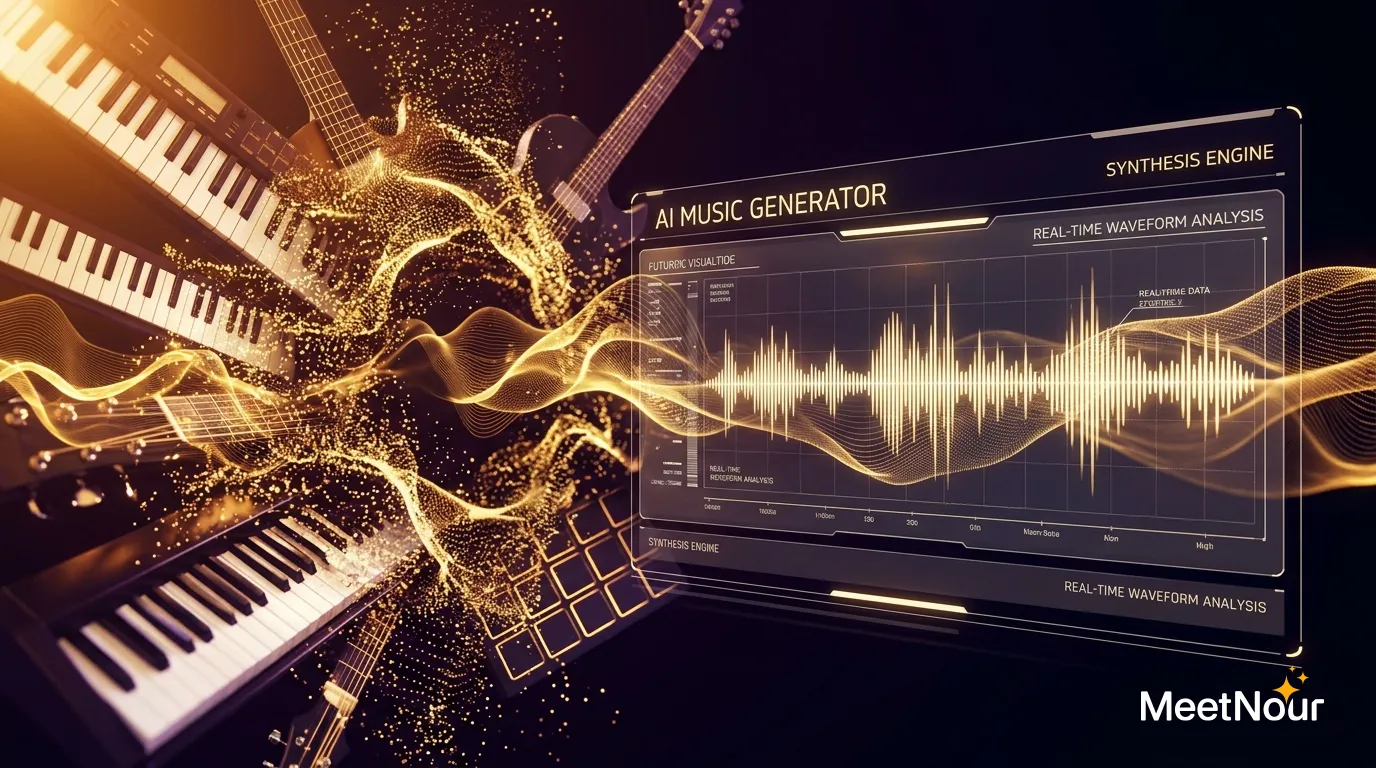
AI music generation helps with many of these problems. It does not make every rights question disappear (more on that below), but it gives you a track made for your video instead of one a million other videos already use.
How AI Music Generation Works
You describe the music you want in plain language (genre, mood, tempo, instruments) and the AI generates a new track. Some tools also take your own lyrics and sing them. What you may do with the result depends on the tool’s terms, the model provider’s terms and your plan.
The better your description, the closer the first take. “Happy music” gets you something generic. “Bright acoustic pop, 112 BPM, ukulele and hand claps, no vocals” gets you something you can use.
AI Music Generators in 2026
The market has settled into a handful of names creators keep coming back to. Here is what each is generally known for; check each product’s site for current features, terms and prices, as they change often.
Suno
The best-known consumer app for full songs. You type a prompt or your own lyrics and get a complete song with vocals, verses and a chorus. Popular for songs and jingles more than for quiet background beds.
Udio
Another full-song generator with vocals, known for its audio quality and for letting you extend and edit a track section by section.
ElevenLabs Music
ElevenLabs’ music model turns a text description into a track, with or without lyrics. A natural option for teams already using ElevenLabs for voice.
MiniMax Music
Known for full-length tracks with clear song structure (intro, verse, chorus) across pop, electronic, cinematic and lo-fi, with or without vocals.
ACE-Step
An open-source music model. Fast, and you can run it yourself if you have the hardware, which makes it popular with developers and for short loops.
What to Check in Any AI Music Tool
The names above change every few months. These questions do not. Run any tool through them before you commit.
| What to check | Why it matters | What to look for |
|---|---|---|
| Vocals or instrumental | A voiceover and a sung vocal fight each other | A clear “instrumental” or “no vocals” option for background beds |
| Length | A 15-second Reel and a 3-minute YouTube intro need different tracks | The maximum track length, and whether you can extend a track |
| Lyrics control | For a jingle or a brand song you want your words, not invented ones | A lyrics field with section tags like [Verse] and [Chorus] |
| Stems | Separate drums, bass and melody let you remix or duck parts under speech | Stem export, or at least a clean instrumental version |
| Commercial terms | An ad or a monetized video needs the right to use the track commercially | Which plans allow commercial use, and the provider’s own terms |
| Where the track ends up | Exporting, re-importing and syncing by hand eats your time | Whether the track sits next to your video, voiceover and captions |
Prompt Recipes
Copy these, then change one thing at a time (tempo, instrument, mood) until it fits your video.
Reel background (15 to 30 seconds, sits under a voiceover):
Upbeat lo-fi hip hop, warm and relaxed, 88 BPM.
Soft Rhodes piano, dusty vinyl crackle, muted kick and snare, light shaker.
Steady groove, no big drops, no vocals.
Product ad (30 seconds, energetic, clean ending):
Modern pop instrumental, bright and confident, 118 BPM.
Punchy drums, plucked synth hook, clean electric guitar, hand claps on the chorus.
Builds in the first 8 seconds, full energy in the middle, ends on a clean final hit.
No vocals.
Podcast intro (10 to 15 seconds, recognisable every episode):
Short podcast intro theme, warm and curious, 100 BPM.
Acoustic guitar riff, upright bass, brushed drums, a single glockenspiel note at the end.
Memorable four-bar melody, fades out under speech.
No vocals.
Calm explainer (60 seconds or more, stays out of the way):
Minimal ambient electronic, calm and focused, 80 BPM.
Soft pads, gentle arpeggiated synth, very light percussion, low warm bass.
Even energy throughout, no sudden changes, leaves room for narration.
No vocals.
Cinematic trailer (30 to 60 seconds, builds tension):
Epic cinematic orchestral trailer, dark and building, starts at 70 BPM and drives to 140 BPM.
Low strings, taiko drums, brass stabs, rising string ostinato, a choir pad (no lyrics).
Quiet opening, three rising waves of tension, huge final hit, then silence.
Want a song with your own words? Add lyrics with section tags:
Style: feel-good acoustic pop, 104 BPM, female vocal, guitar and hand claps.

[Verse]
Coffee on the counter, sun is coming through
Got a little list of things I'm gonna do

[Chorus]
Make it simple, make it bright
Make it happen, make it right
Tips for Better AI Music
- Be specific about mood. “Happy” is vague. “Bright, optimistic, morning energy, light acoustic guitar with subtle hand claps” gives the AI much more to work with.
- Specify BPM. Tempo matters. Fast, cut-heavy content usually suits 120 to 140 BPM, calm content 70 to 90 BPM, and explainers often sit around 90 to 110 BPM.
- Name instruments. “Piano and strings” and “piano and synth” produce very different results. Be explicit about what you hear in your head.
- Say “no vocals” for background tracks. Under a voiceover, any sung line competes with the narration.
- Generate a few variations. Make three to five versions and pick the best. It is fast enough to iterate.
- Match your brand. Just like visual branding, audio branding matters. Find a style that works and reuse the prompt.
Make a Track in AI Studio
Here is the walk-through in MeetNour’s AI Studio, from an empty prompt to a finished, captioned video.
- Pick instrumental, or write lyrics. For a background bed, choose instrumental. For a jingle or a song, paste your lyrics with [Verse] and [Chorus] tags so the structure lands where you want it.
- Choose a genre and a mood. Start from one of the prompt recipes above and adjust.
- Choose a length. Match it to the video: a short loop for a Reel, longer for a YouTube intro or an explainer.
- Generate. The price is on the button before you click, in credits. Listen through, and generate a variation if it is close but not quite right.
- Pair it with a voiceover and a video. Generate the narration in the same studio (our AI voice guide has ready scripts) and the visuals next to it, then keep the music low under the voice.
- Add captions. Send the video to Caption Studio for word-level animated captions. See how to add captions to Reels.
- Export. Download the finished video, ready to post.
Copyright and Commercial Rights
One of the most common questions: can I use AI-generated music commercially?
It depends. What you may do with a track depends on the service’s terms, the model provider’s terms, your plan and local law, and ownership of AI-generated material is still an open legal question in many countries. On MeetNour, free-plan creations are for personal, non-commercial use; commercial use is on paid plans, subject to our Terms.
Also be aware:
- AI music can occasionally resemble existing works, so review tracks before you publish.
- Some platforms’ content ID systems may flag AI music if it closely resembles existing copyrighted tracks.
- Keeping a record of your generations (prompt and timestamp) is a good habit.
- Terms vary by provider, so always check the specific provider’s commercial use policy.
How MeetNour Brings It Together
MeetNour is your AI production team in one tool. AI music in AI Studio: instrumental tracks or songs with your own lyrics, made alongside natural AI voices in 12 languages and a curated shelf of leading video models. Write lyrics with verse and chorus tags or pick instrumental, choose a genre and mood, and generate. Then pair the track with AI-generated video and voiceover, add animated captions in Caption Studio, and export it ready to post. Every track is priced in credits, shown on the button before you generate, and failed generations are refunded.
One tool. Fewer licensing headaches. More time for the content itself.
FAQ
Is AI-generated music royalty-free?
Often, but not automatically. Many AI music tools let you use tracks without paying per-use royalties, but the rights depend on the tool’s terms, the model provider’s terms and your plan.
Free plans are often limited to personal, non-commercial use. Read the terms of the tool you use before you put a track in an ad or a monetized video.
Can I use AI music on YouTube and Instagram?
Yes, as long as your plan and the tool’s terms allow it. For monetized videos and ads, you need commercial rights.
Content ID systems can occasionally flag a track that resembles an existing song, so keep your prompt and generation date as a record. If a claim appears, that record helps you dispute it.
How long can an AI music track be?
It depends on the tool. Some focus on short clips and loops, others generate full songs of several minutes, and some let you extend a track section by section.
For social video, 15 to 60 seconds is usually enough. Generate the track to the length of your edit rather than cutting a long track down, so the ending lands cleanly.
Can AI write a song with my own lyrics?
Yes. Several AI music tools sing lyrics you provide. Mark the structure with tags such as [Verse] and [Chorus], and describe the style and the voice you want.
Keep lines short and rhythmic, like real song lyrics. In MeetNour’s AI Studio you can paste your lyrics with those tags and pick a genre and mood to get a song with your own words.
Publishing AI-generated content that looks real? Many platforms and laws require you to label it as AI-generated.
MeetNour is launching soon: join the waitlist to make your first track on day one.

Write a brief.
Get a full campaign.
MeetNour is your AI production team in one tool: images, videos, AI avatars, effects, voiceovers and captions, with your brand kit and AI talent. A short shelf of leading AI models, kept current: Nour picks the right one for each job, or you choose.