AI Camera Movements, Image to Video.
Tap an Effect. Get a Finished Clip.
VFX Studio adds AI camera movements to a photo or a short clip: image to video in one tap, with 50 moves such as orbit, dolly, crane and drone. AI Hooks and Multicam make scroll-stopping edits, and Remake, Relocate and lip sync change a clip you already have.
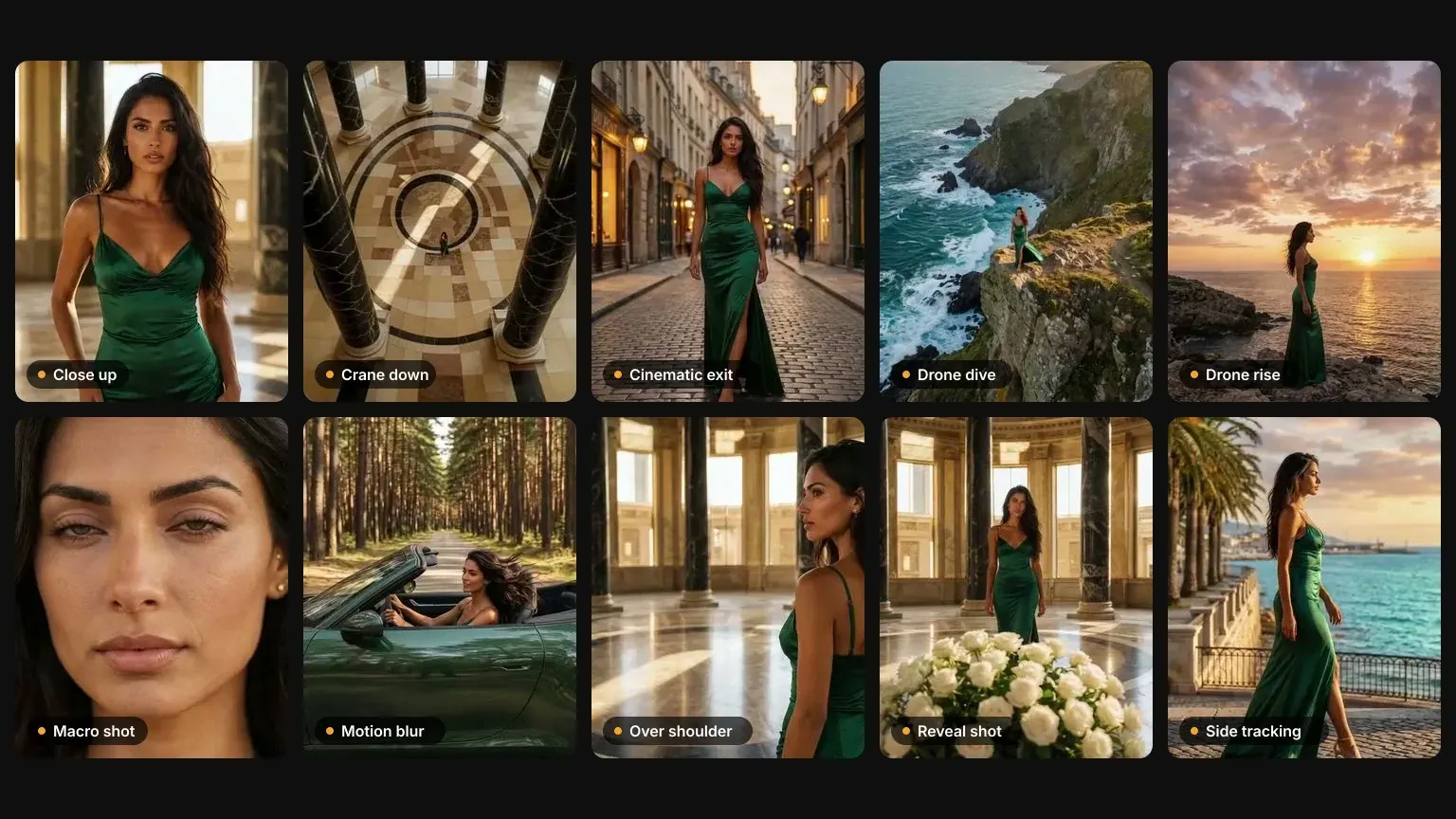
One-Tap AI Camera Movements.
Pick a move, drop a photo or a short video, add an optional note. Nour writes the camera direction, picks the right AI model and hands back a finished clip, with no prompt writing and no timeline.
- 50 moves in 5 groups: camera moves, focus & lens, speed & motion, signature shots, effects
- Orbit, dolly, crane, drone, whip pan, slow motion, parallax and more
- Start from a photo, a library image, or a short video
- Optional note to steer the shot
- The price is shown before you generate
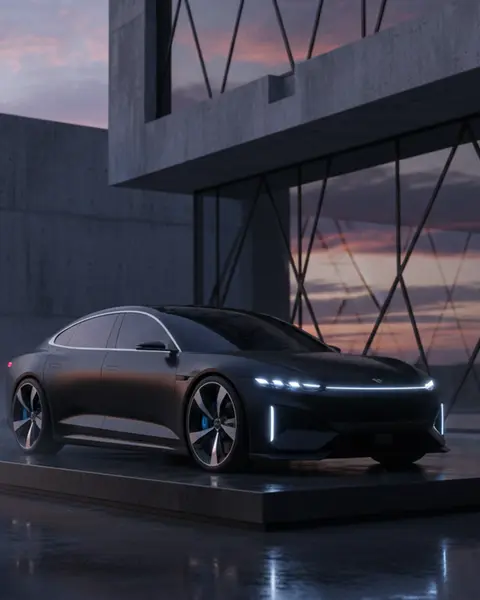 Your photoOrbit 360
Your Talent. One Line. One Hook.
Put your AI talent from the Casting Room into a scroll-stopping scene, speaking the line you type. Breaking news, stepping out of a TV, zero gravity and more.
- Ready-made viral scenarios, one tap each
- Star your AI talent from the Casting Room
- Type the line and they say it on camera
- Vertical or landscape
- Clip length follows the length of your line
 One person
One Take In. A Multi-Shot Edit Out.
Drop a single take, you talking to camera or any clip. Nour watches it, writes a shot list, reshoots it as a multi-camera edit and cuts it together with your original sound.
- Takes up to 90 seconds
- Shot list written from what is actually in the take
- Looks: Original, Cinematic, Thriller, Documentary, Noir
- Your original audio kept under the new edit
- Price shown before anything is billed; failed passes refunded
Already Have a Clip? Change It in One Tap.
Remake puts you into a clip you own, Relocate keeps the performance and changes the place, and lip sync gives the same clip new words. Use clips you own or have permission to change.
- Remake: same shot, same camera, same timing, with you in it
- Relocate: keep the performance, move it somewhere new, optionally in a new outfit
- Lip sync: upload audio, pick a voice or type a line, and the lips follow
- Your own sound is kept where the effect allows it
- Price shown before you start; failed runs are refunded
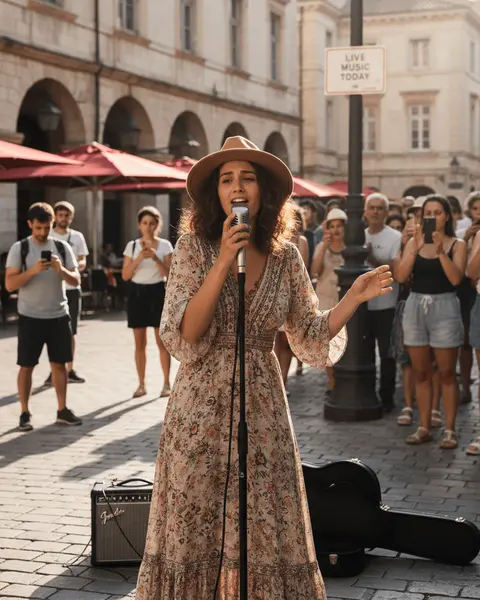 Your clip
AI camera moves, AI Hooks, Multicam, Remake, Relocate and lip sync
Every feature designed to save you time and produce professional results.
50 Camera Moves
Orbit, push in, dolly, crane, drone, tracking and arc shots, in five groups.
Focus & Lens
Rack focus, macro, shallow depth, low and high angles, top down.
Speed & Motion
Speed ramps, slow motion, whip pans, crash zooms, handheld and Steadicam.
Signature Shots & Effects
Hero shots, reveals, establishing shots, parallax, 360 reveals and a film look.
AI Hooks
Your AI talent, one spoken line, dropped into a viral scenario.
Multicam
One take becomes a multi-shot edit with your original sound.
Remake & Relocate
Put yourself in a clip you own, or keep the performance and change the place.
Lip Sync
Give a clip new words from your audio, a voice or a typed line.
Photo or Clip In
Start from a photo, anything in your library, or a short video.
Brand & Talent
Start from your brand reference images, or cast your Casting Room talent.
Price First
Every card shows its cost for your plan. Failed generations are refunded.
Your Talent Comes Along
The same Casting Room talent works in AI Hooks, AI Studio and Director Room.
Related
Learn More
AI Camera Movements: 50 Moves and When to Use Each
AI camera movements explained: 50 moves for AI video, from orbit and dolly to rack focus and whip pan, what each does, when to use it, and how to prompt it.
Consistent AI Characters: How to Keep the Same Face
Consistent AI characters, explained: why AI faces drift between images, and three techniques that keep the same face across scenes, outfits and video.
Image to Video AI: How to Turn a Photo Into a Video
Image to video AI, step by step: choose a photo that animates well, pick one camera move, set start and end frames, and avoid the failures that ruin clips.
Nano Banana Pro vs Nano Banana 2 and 2.1: Product Photos
Nano Banana Pro, 2 or the new 2.1 for product photos? Our side-by-side test of Pro and 2, what Google's 2.1 adds, prices compared, and which to use when.
Ready to create?
Start free. No credit card required. Upgrade when you need more power.