AI Product Photography & Brand Images: The Complete 2026 Guide for Business Owners
The End of Expensive Product Photography?
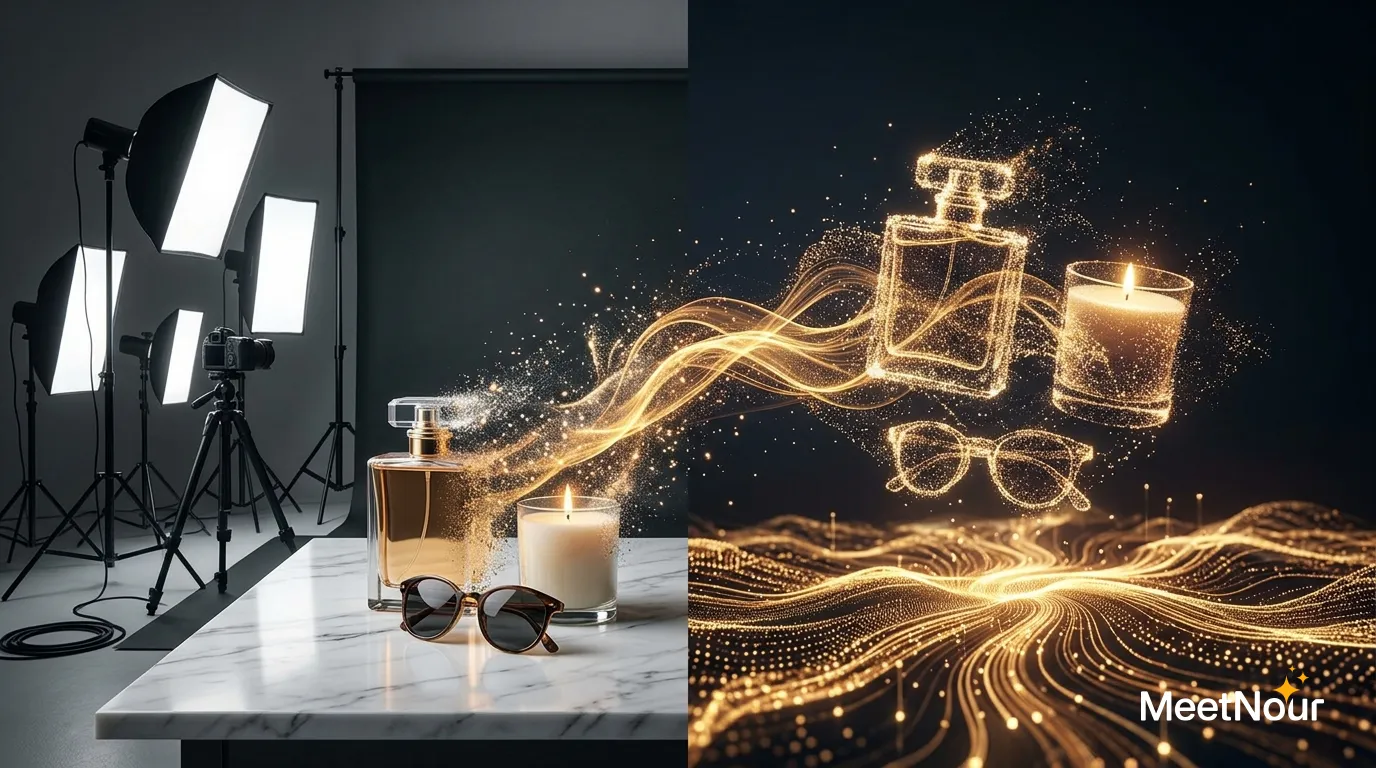
A professional product photoshoot can easily run into the thousands per session. Studio rental, photographer, lighting, props, editing: it adds up fast. For small businesses and e-commerce stores launching dozens of products, this cost is often prohibitive.
AI image generation has changed the equation. In 2026, image model families like FLUX, GPT Image, Nano Banana and Seedream can generate photorealistic product imagery that can rival professional photography, for a fraction of the cost. The catch: each family is good at a different kind of shot, and none of them knows your real product until you show it a photo.
What AI Can (and Can’t) Do
What Works Beautifully
- Lifestyle product shots: your product on a marble countertop, in a cozy kitchen, on a beach
- Flat lay compositions: product groupings arranged with props
- Social media content: Instagram posts, Story graphics, ad creatives
- Seasonal variations: the same product in spring, summer, fall and winter settings
- A/B testing: generate 10 variations to test which performs best
Where You Still Need Real Photography
- Exact product details: if customers need to see specific textures, stitching or materials up close
- Regulatory requirements: some industries require actual product photos
- Complex products: electronics with specific ports, buttons or interfaces
Maintaining Brand Consistency
One of the biggest challenges with AI-generated images: keeping everything on-brand. If you generate images one at a time with different prompts, your visual identity becomes scattered.
The solution is brand context. Before generating anything, define:
- Brand colors: primary, secondary, accent
- Visual style: minimal, luxurious, playful, bold
- Reference images: upload examples of your desired aesthetic
- Tone: professional, casual, edgy, warm
When this context feeds into every generation, your AI-created images look far more like they came from the same photographer, same studio, same brand.
Which Image Model for Which Product Shot
No single model wins every product shot. Match the family to the job:
| Product shot | Model family | Why it fits | Watch out for |
|---|---|---|---|
| White-background e-commerce shot | FLUX | Realistic studio lighting, soft shadows and material textures | Small print on the product can come out garbled |
| Lifestyle scene with props | FLUX | Light, reflections and surfaces that look photographed | State the product’s size next to the props, or scale drifts |
| Complex brief: several products, a set layout, exact positions | GPT Image | Follows long, detailed descriptions and places items where you ask | Can look a little too polished; ask for natural light |
| Label, packaging or any text that must read | Nano Banana | Renders short text on labels and packaging well | Check every letter before you publish |
| Editing an existing product photo (new background, new season) | Nano Banana | Changes the scene from a reference image while keeping the product | Logos and fine text can still drift |
| Natural scene: beach, garden, picnic, forest | Seedream | Strong with natural settings and placing a product in them | Details soften at a distance; keep the product large in frame |
| Design assets: icons, badges, banners, vectors | Recraft | Built for design work and clean vector output | Not the pick for photoreal product shots |
We tested Nano Banana Pro and Nano Banana 2 on product prompts, and compared both with the new Nano Banana 2.1 on paper, in Nano Banana Pro vs Nano Banana 2 and 2.1 for product photos, including how well each one keeps a label readable.
For Brand Consistency
No model keeps you on-brand by itself. Consistency comes from two inputs you give every generation: reference images (your real product photo plus a few images of the look you want) and brand context (colors, style, tone). With both, any family in the table stays far closer to your look than a prompt alone.
Five Product Prompts You Can Paste
Replace the parts in square brackets with your own product. Each prompt names the light, the surface, the framing and what must stay empty, because models fill anything you leave open.
1. White-background e-commerce shot
Product photo of [a 250 ml amber glass serum bottle with a black dropper cap], centered on a pure white seamless background, shot straight on at eye level, soft diffused studio light from both sides, a faint natural shadow under the base, sharp focus across the whole product, no props, no added text, square 1:1 framing with even margins.2. Lifestyle kitchen scene
[A matte black pour-over coffee kettle] on a light oak kitchen counter, morning sunlight from a window on the left, a ceramic mug and a small bag of coffee beans slightly out of focus behind it, warm natural tones, shallow depth of field, the kettle sharp and fully in frame, a realistic lived-in home kitchen, no people, 4:5 vertical framing.3. Flat lay with props
Top-down flat lay of [a linen notebook with a brass clip] on a sand-colored paper background, arranged with a fountain pen, two dried eucalyptus sprigs and a folded linen napkin, generous empty space around each object, soft even light with gentle shadows, calm minimal style in [sand, olive green and off-white], 1:1 framing.4. Seasonal variant (attach your product photo as a reference)
Keep the product from the reference image exactly as it is: same shape, colors, label and proportions. Place it on a rustic wooden table in a cozy winter setting, warm string lights blurred in the background, a knitted blanket and pine branches beside it, soft evening light, the product in sharp focus in the center, 4:5 vertical framing.5. Hero shot with a label that must read correctly
Hero product shot of [a tall frosted glass bottle] standing on a dark slate surface, dramatic side light from the right with a soft rim light, thin mist in the background. The front label reads exactly "[BRAND NAME]" in bold uppercase serif letters, with "[Product line]" in smaller letters below. The label text is sharp, straight and spelled exactly as written. 16:9 wide framing with the product on the right third.For prompt 5, use a family that handles text well and keep the label text short. Two or three words in quotation marks render far more reliably than a full ingredients panel.
Reference-Image Workflow
Prompts alone invent a product that looks like yours. A reference image puts your actual product in the scene. This is the workflow we use:
- Upload the real product photo as a reference. A clean, well-lit shot on a plain background works best: front-facing, the whole product in frame, the label readable. One sharp photo beats five blurry ones.
- State what must not change. Write it into the prompt: “keep the bottle shape, the cap color, the label layout and the logo exactly as in the reference.” Models protect what you name; whatever you leave out is free to change.
- Generate variations. Ask for four to six versions per scene. Change one thing at a time (the background, the light, the props) so you can tell what made the difference.
- Pick, and compare against the real product. Put each result next to your reference photo. Check the logo, the label text, the product color and its proportions before you judge the mood.
- Upscale the keeper. Upscale only the images you will actually use. It saves credits and time.
- Export per platform. Generate or crop each channel’s aspect ratio (table below) instead of stretching one image everywhere.
The honest limits. Logos and fine text can drift between generations, even with a reference: a letter swaps, a small icon redraws itself, a thin line disappears. Exact textures (a specific knit, brushed metal, wood grain, a fabric weave) come out as close approximations, not copies. If customers will judge the product on its texture or its fine print, you need a real photo. Treat AI images as new scenes around your product, and keep at least one true, unedited photo for any listing where accuracy matters.
Aspect Ratios per Channel
| Channel | Aspect ratio | Notes |
|---|---|---|
| Online store product page | 1:1 | Square keeps product grids even; check your store theme |
| Instagram feed post | 4:5 | A vertical post takes more of the screen than a square |
| Instagram Stories and Reels, TikTok | 9:16 | Keep the product clear of the top and bottom edges, where buttons and text sit |
| Website hero banner | 16:9 or wider | Leave empty space on one side for the headline |
| 2:3 | Tall images suit the feed |
Composition changes with the ratio, so prompt for the format you need (“4:5 vertical framing”) rather than cropping a wide image down to a tall one and losing the product.
The Cost Comparison
| Approach | Cost per Image | Time | Consistency |
|---|---|---|---|
| Professional photography | High | Days to weeks | High (same photographer) |
| Stock photography | Low to medium | Minutes | Low (generic) |
| AI generation | A fraction of a photoshoot | Seconds to minutes | High (with brand context) |
At AI generation prices, you can create a whole library of product images for a fraction of what a single shoot costs.
A Practical Workflow for Business Owners
- Set up your brand: define colors and style, and upload reference images
- Write detailed prompts: “A minimalist flat lay of [your product] on a white marble surface, soft natural lighting from the left, surrounded by small green plants, clean and modern aesthetic”
- Generate variations: create 5 to 10 options, pick the best
- Maintain a library: save your best generations for reuse and consistency
- Export it ready to post: download each image in the right aspect ratio for each platform
How MeetNour Handles This
In MeetNour you define your brand identity once (colors, voice, style, reference images), and when you switch On-brand on in AI Studio, your images and videos follow it. AI Studio keeps a short, curated shelf of leading image models (as of October 2026, FLUX, GPT Image, Nano Banana and Seedream, plus Recraft for design assets), and when a better model arrives, it replaces the one it beats.
Nour reads your prompt and picks the right model for it (for example, a photorealism-focused model for a product shot, or one that handles text well when your image needs a label) and shows the price before you generate. Prefer to choose yourself? Pick any model on the shelf. To try it on your own product, the AI product photo generator takes a product image as a reference and returns several variations per prompt.
Generate the images, turn your best product shot into a short clip with a one-tap camera move (orbit, dolly, push-in) in VFX Studio, and export it ready to post, without leaving the tool.
The Bottom Line
AI product photography isn’t replacing professional photographers for every use case. But for social media content, ad creatives and everyday brand imagery, it’s often faster, cheaper and more scalable than the alternatives. Pick the model family for the shot, give it your real product as a reference, and check the details before you publish.
FAQ
Can AI generate product photos from a single photo of my product?
Yes. Upload one clear photo as a reference image and describe the new scene, and the model keeps your product while it changes the setting around it. Results are best when the photo is sharp, evenly lit and shows the whole product with the label readable.
Expect small drift in logos, fine text and textures, so compare every result with your real photo before you publish it.
Which AI image model is best for product photography?
It depends on the shot. FLUX is strong for photoreal lighting and textures, GPT Image for complex descriptions and layouts, Nano Banana for text on labels and packaging and for editing an existing product photo, and Seedream for natural scenes. Recraft is the pick for design assets and vectors rather than photos.
Will the logo and label stay accurate?
Not always. Even with a reference image, logos and small text can drift: a letter changes, a symbol redraws, a thin line disappears. Keeping label text short and in quotation marks, using a model that handles text well, and checking letter by letter all reduce the problem.
For a listing where the label must be exact, use the real photo, or place the logo with a design tool after you generate the scene.
Is AI product photography allowed on Amazon and Shopify?
Check each marketplace’s current image rules before you upload, because they change. Several marketplaces require the main image to show the real product, often on a plain background, and limit added props or text. On your own Shopify store you choose the images, but the marketplaces and ad platforms you sell through apply their own rules.
A safe pattern is a real photo as the main image and AI lifestyle scenes as secondary images, labelled as AI-generated where the platform or the law requires it.
Publishing AI-generated content that looks real? Many platforms and laws require you to label it as AI-generated.
MeetNour is launching soon: join the waitlist to put your own product in new scenes.

Write a brief.
Get a full campaign.
MeetNour is your AI production team in one tool: images, videos, AI avatars, effects, voiceovers and captions, with your brand kit and AI talent. A short shelf of leading AI models, kept current: Nour picks the right one for each job, or you choose.