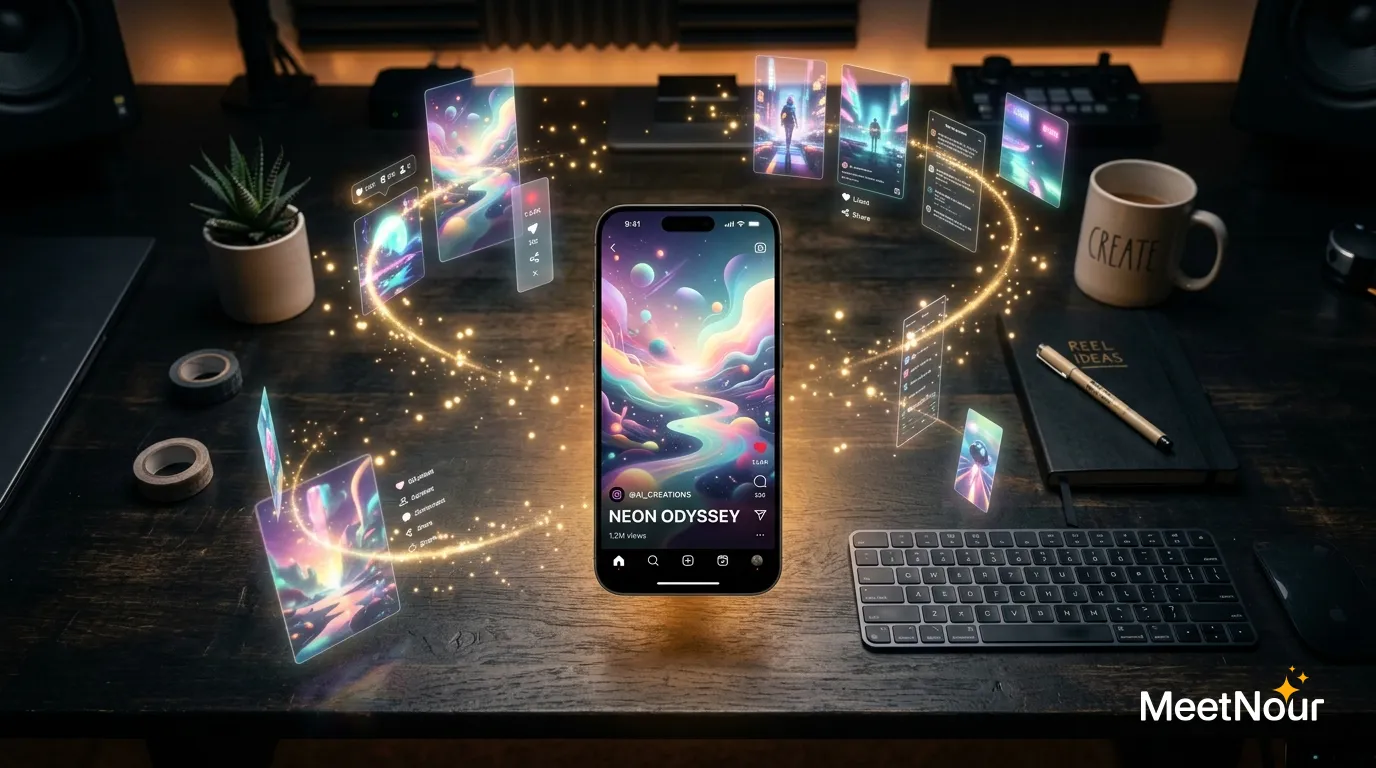
How to Build a Month of On-Brand Visuals and Videos in One Day Using AI

The Content Treadmill Is Real
If you’re managing social media for a business or brand, you know the feeling. Every day, you need fresh content. Every day, the algorithm demands more. It’s a treadmill that burns out even the most dedicated creators.
But what if you could create a month of visuals and videos in a single day?
In 2026, AI makes this not just possible, but practical. Here’s the workflow, followed by a worked example for a small brand so you can see what the day actually produces.
The One-Day Content Sprint
Hour 1-2: Ideation & Planning (30 minutes AI + 90 minutes you)
Start with ideation. Define your content pillars: the 3-5 themes your brand consistently posts about. For example:
- Educational: tips, how-tos, industry insights
- Product: features, use cases, behind-the-scenes
- Engagement: questions, polls, trends
- Social proof: real customer results, case studies
- Lifestyle: brand personality, team culture, values
For each pillar, brainstorm 6-8 post ideas. That’s 30-40 posts, enough for a month of daily content.
Hour 3-5: Content Generation (with AI)
This is where AI transforms the workflow. Instead of shooting photos, creating graphics, and filming from scratch:
For image posts:
- Write prompts describing each visual
- Use brand context (colors, style, reference images) for consistency
- Generate 3-5 variations per post, pick the best
- Batch generate to speed things up
For video posts:
- Turn your best images into short clips with a camera move (orbit, dolly, push-in)
- Or write a short brief and let AI plan a multi-shot video
- Generate 5-15 second clips
For voice/music posts:
- Write scripts for voiceover content
- Generate narration + background music
- Combine with visuals
At this pace, you can generate dozens of pieces of visual content in a few hours.
Hour 5-6: Captions & Polish
Many people watch social video on mute, so captions are the extra layer that matters most:
- Auto-transcribe every clip with voiceover or speech
- Pick one caption style and use it across the batch for consistent brand treatment
- Fix names, product terms and brand words in the transcript
- Export each video with captions baked in
Hour 7-8: Review, Export & Organize
This is the step most creators skip, and it’s one of the most impactful.
Review the batch side by side. If you post on Instagram, remember its 3-column grid means every 3 posts form a row. Colors, compositions, and content types should alternate for visual variety. For the feed images themselves, see how to create Instagram posts with AI in MeetNour.
Export everything in the right aspect ratio for each platform (vertical for Reels, TikTok and Shorts; square or portrait for feed posts), name files by the day they’ll go out, and load them into whichever posting tool you already use.
A Worked Example: One Day for a Small Coffee Roaster
To make this concrete, take a fictional specialty coffee roaster, “Halden Roastery.” Two people run it, they sell beans online and from one cafe, and they post on Instagram and TikTok. Their brand: warm off-white, deep brown and one rust-orange accent, natural light, wood and ceramic, no stock-photo smiles.
Here is the content-pillar plan they fill in during the first hour:
| Pillar | Posts per month | Format | Example idea |
|---|---|---|---|
| Brew education | 8 | Carousel image + 15 s Reel | “Three mistakes that make pour-over bitter” |
| Product (beans of the month) | 6 | Product photo + slow push-in clip | New Ethiopian single origin on a linen cloth |
| Behind the roast | 5 | Filmed by phone, captioned | The roaster checking a batch at first crack |
| Customer moments | 5 | Real customer photos (with permission) | A regular’s latte art, reposted with credit |
| Seasonal and engagement | 6 | Image + question caption | “Iced or hot in October?” with a split image |
| Total | 30 | One post a day |
Notice that two pillars are not AI-generated at all. “Behind the roast” and “Customer moments” are real footage and real people. AI fills the rest: the product shots, the educational visuals, the seasonal images and the short motion clips.
By the end of the day, a realistic output for Halden is about 18 generated images, 8 short video clips, 2 voiceovers and 1 music bed, plus captions on every video. The filmed and customer posts are gathered the same day but shot on other days.
Batch Prompting: Templates, Not One-Off Prompts
The trick that makes a batch fast is writing one prompt template per format and changing only the variable parts. Same lighting, same palette, same camera language, different subject. That alone keeps 18 images looking like one brand.
Image template (replace the bracketed parts for each post):
Square 1:1 product photo. [Product] on [surface], [one prop] beside it.
Soft natural window light from the left, warm off-white background,
deep brown and rust-orange accents. Shallow depth of field, ceramic and
wood textures, calm and premium. No people, no text on the image.
Mood: [morning / cozy / fresh / autumn].
For Halden’s beans of the month, that becomes “A matte kraft coffee bag on a linen cloth, a small ceramic cup beside it … Mood: morning.” Five products, five prompts, one look.
Short video brief (for a clip built from an approved image):
Vertical 9:16, 6 seconds. Start from the approved image of [product].
Slow push-in, steam rises from the cup, soft light shifts slightly as if
a cloud passed. Nothing else moves. The bag label stays sharp and
unchanged. Calm, warm, realistic. No music, natural room tone.
Generate images first, approve them, then animate only the approved ones. Animating an image you will later reject is the most common way a batch day runs over budget.
The Review Checklist Before Export
Run every finished piece through the same short list before it leaves the tool:
- Brand colors. Lay the batch out as a grid. If one image is cooler, greener or more saturated than the rest, regenerate it now, not after it is posted.
- Aspect ratio per platform. Check each file against where it is going:
| Platform | Placement | Aspect ratio |
|---|---|---|
| Reels and Stories | 9:16 | |
| Feed post | 4:5 or 1:1 | |
| TikTok | Video | 9:16 |
| YouTube | Shorts | 9:16 |
| Feed image | 1:1 or 4:5 |
- Caption safe zone. On vertical video, the platform’s buttons, username and description sit over the bottom and the right edge. Keep captions and on-screen text in the middle of the frame, a little above center.
- File naming by date. Name every file by the day it goes out, for example
2026-11-03_ig-reel_brew-mistakes.mp4. Your posting tool will sort them for you, and nobody has to guess which file is final. - AI label. Decide per post whether it needs the platform’s AI label, and note it in the file list.
The Trade-offs Nobody Mentions
Generation is the fast part. Review is not. For most teams, choosing between variations, fixing a wrong label, and getting a second person to approve takes longer than generating the images. Budget about as much time for review rounds as for generation, and put the approver’s time on the calendar before the sprint day.
Some posts should still be filmed. Behind-the-scenes, the founder talking, real customers and real events build trust that a generated image cannot. Use AI for the product, education and seasonal visuals that eat the most time, and keep a phone ready for the moments that need to be real.
Finally, a month of posts made in one day can drift out of date. Leave two or three open slots for news, trends and replies to your audience.
The Tools You Need
Traditionally, this workflow requires:
- Ideation: ChatGPT or Notion
- Image generation: Midjourney
- Video generation: Runway or Kling
- Voiceover: ElevenLabs
- Captioning: CapCut or Descript
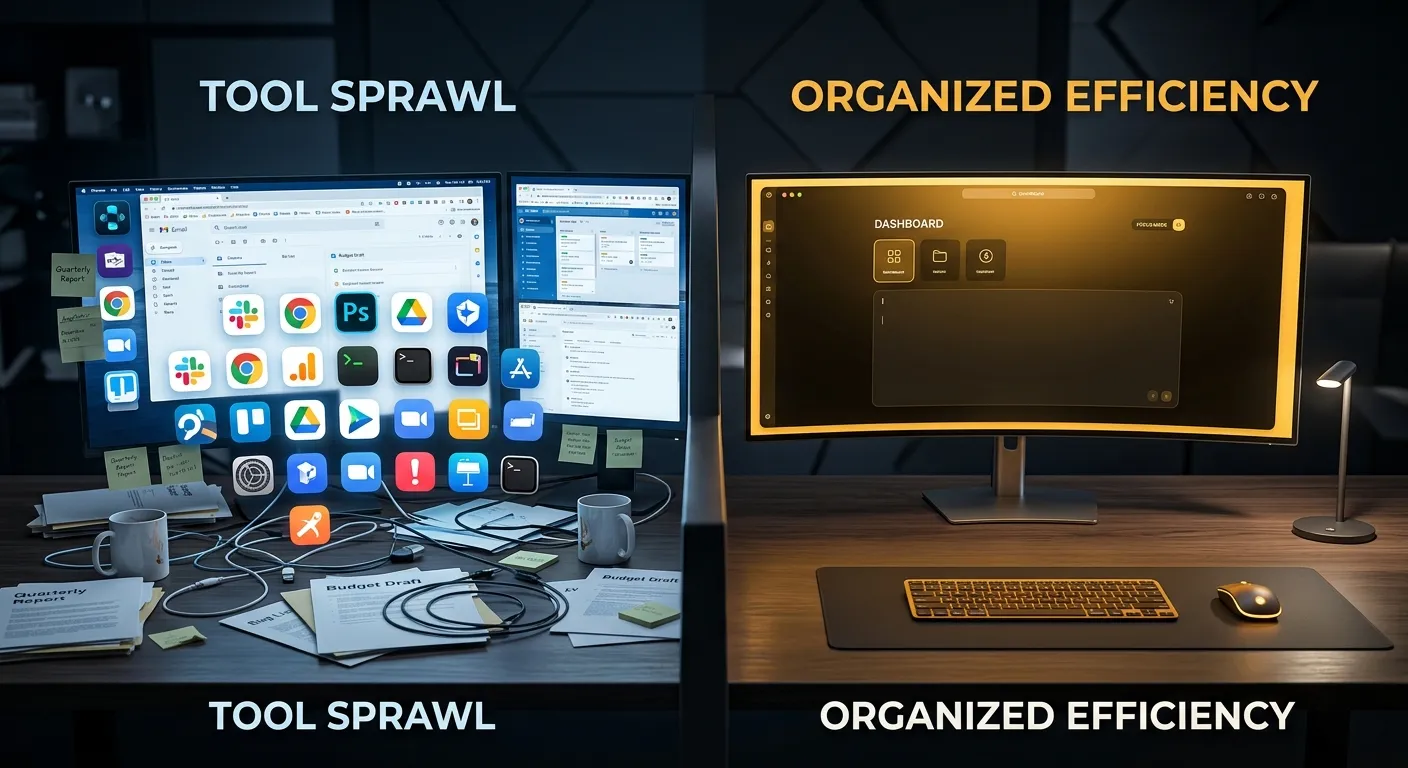
That’s 5+ tools, 5+ subscriptions, and constant context-switching.
One Tool for the Creation Side
MeetNour is built for the creation side of this sprint: images, videos, voice and captions in one tool. Define your brand once (identity, voice, colors, reference images): AI Studio applies it when On-brand is on, and Director Room plans from it:
- AI Studio: generate images, videos, voiceovers (natural AI voices in 12 languages) and music from a curated shelf of leading AI models, kept current
- VFX Studio: drop a photo, tap one of 50 camera moves, get a cinematic clip
- Director Room: write a brief, pick one of three concepts, and get a storyboard, video clips and a final video with voiceover and music
- Caption Studio: auto-caption videos with animated caption styles, then export them ready to post
Nour picks the right model for each generation, so you don’t waste time comparing models, or you choose the model yourself. The price shows on the button before you generate.
Rough Time Comparison
Here’s roughly what the creation part of a one-day sprint can look like:
| Task | Traditional Time | With AI (MeetNour) |
|---|---|---|
| Image generation (20 images) | 2-3 hours (stock search) | 30-45 minutes |
| Video generation (5 clips) | Full day (shooting) | 45-60 minutes |
| Captioning (5 videos) | 1-2 hours | 15-20 minutes |
| Total | 1.5-2 days | 1.5-2 hours |
Rough estimates from our own workflow; your times will vary with content type and review rounds.
The Secret: Consistency Beats Perfection
For most accounts, posting consistently matters more than posting perfect content. AI batch creation removes one of the biggest barriers to consistency: time.
When you can create a month of visuals and videos in one day, you free up the rest of the month to engage with your audience, analyze performance, and actually run your business.
FAQ
How many posts can you batch-create in a day with AI?
A realistic target is about 30 posts in one focused day, enough for one post a day for a month. That usually means 15 to 20 generated images, 5 to 10 short video clips and captions on every video, with the rest coming from filmed or customer content.
The limit is rarely generation speed. It is how many pieces you can review and approve with care in the same day.
How do you keep batch-created content on-brand?
Use one prompt template per format and change only the subject, so lighting, palette and camera language stay the same across the batch. Add your brand colors and a few reference images to every generation, and pick one caption style for all videos.
Then review the whole batch as a grid before export and regenerate anything that looks out of place.
Which posts should not be AI-generated?
Posts whose value comes from being real: behind-the-scenes footage, the founder or team speaking, customer photos and reviews, and live events. Audiences trust these because they actually happened, and a generated version would mislead them.
AI is a better fit for product shots, educational visuals, seasonal images and short motion clips.
How do you plan a month of posts?
Name every file by its posting date, export each one in the aspect ratio of the platform it is going to, and load the batch into the posting tool you already use. Most scheduling tools then let you drag files onto a calendar and add the caption text.
Leave a few slots open each week for timely posts and replies.
Publishing AI-generated content that looks real? Many platforms and laws require you to label it as AI-generated.
Posting every day only helps if the content is yours. See what Instagram says counts as original.
MeetNour is launching soon: join the waitlist to plan your first one-day sprint.

Write a brief.
Get a full campaign.
MeetNour is your AI production team in one tool: images, videos, AI avatars, effects, voiceovers and captions, with your brand kit and AI talent. A short shelf of leading AI models, kept current: Nour picks the right one for each job, or you choose.