How to Create AI Video Ads Without a Production Team
The $5,000 Ad, Without the Production Team
Here’s a trend that should get your attention: a growing share of marketing videos is AI-generated or AI-assisted.
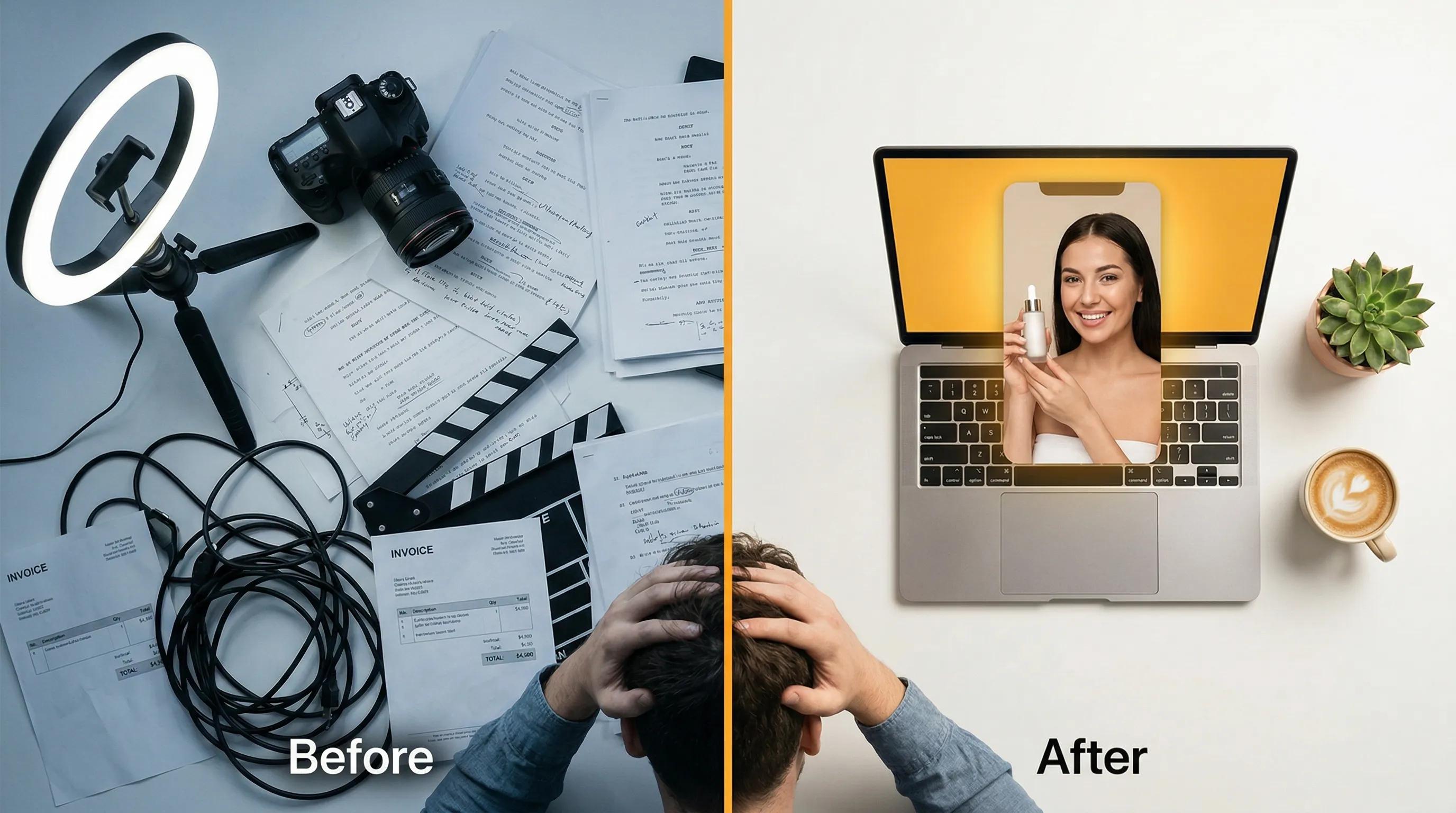
Not because AI video is a gimmick, but because the math has changed. A traditional video ad requires a scriptwriter, videographer, actors, editor, and voiceover artist. For a small business testing several ad variants, that adds up fast, before you even know what works.
With AI, the same ad costs a fraction of the cost of a traditional shoot, and in MeetNour’s Director Room, the price is on each button before anything is spent. The quality gap has narrowed a lot. The cost gap is still huge.

The 5-Step AI Video Ad Workflow
Step 1: Write Your Brief (2 minutes)
Every great ad starts with clarity. Before touching any AI tool, answer four questions:
- What are you selling? Be specific. Not “skincare” but “hydrating face serum for dry skin”
- Who are you selling to? Demographics + pain point. “Women 25-40 frustrated with dry skin in winter”
- What’s the hook? The first 3 seconds that stop the scroll. “I used to spend $200/month on moisturizers that didn’t work”
- What’s the CTA? What do you want them to do? “Link in bio” or “Shop now”
This brief becomes the input for everything that follows.
Step 2: Generate the Script (1 minute)
Feed your brief to an AI language model. GPT-4o, Claude, or Gemini can all write ad scripts. The key is prompting correctly:
“Write a 30-second testimonial video ad script for [product]. Target audience: [audience]. Tone: [tone]. Structure: Hook (0-5s), Problem (5-10s), Solution (10-20s), CTA (20-30s).”
Generate 3 variants and pick the strongest hook. The hook is everything: many viewers decide whether to keep watching in the first few seconds.
Pro tip: Ask for three different hook styles: problem-led, benefit-led, and curiosity-led. Test all three.
Step 3: Generate the Visuals (3-5 minutes)
This is where AI video models come in. You have two approaches:
Approach A: Image-to-Video
- Generate still images with an AI image model (photorealistic product shots, lifestyle scenes)
- Animate each image into a 5-second video clip
- This gives you more control over the exact visual
Approach B: Text-to-Video
- Write a scene description for each section of your script
- Generate video clips directly from text
- Faster, but less precise control
For most ads, Approach A produces better results. The still image anchors the visual, and the animation adds movement.
Model selection matters:
- Product showcase (no people)? Wan 2.6 Flash: fast and cost-effective
- Talking head / spokesperson? Kling 3.0: strong facial expressions and lip-sync
- Longer cinematic scenes with sound? Seedance 2.5: up to 30 seconds with synchronized audio
Model picks updated October 2026: Google is retiring the Veo 3.1 preview models on October 22, 2026. See what to use instead of Veo 3.1.
Step 4: Add Voice and Music (2 minutes)
Voiceover: Type your script into an AI voice generator. ElevenLabs is one of the most natural-sounding options. Match the voice to your brand: warm and friendly for lifestyle brands, confident and direct for B2B.
Background music: Generate a custom track with AI music. Describe the mood: “upbeat, optimistic, modern pop feel, 120 BPM, no vocals.” You get music you can use in your content, subject to our Terms and the model provider’s terms.
Key tip: Duck the music volume under the voiceover. Voice should be 3-4x louder than the background track.
Step 5: Assemble and Export (2 minutes)
Combine your video clips, voiceover, and music into the final ad. Add captions: many people watch social video without sound, so captions aren’t optional.
Export in the right format:
- 9:16 for TikTok, Instagram Reels, YouTube Shorts
- 1:1 for Instagram Feed, Facebook
- 16:9 for YouTube pre-roll, LinkedIn
Generate all formats from the same source, no need to re-create per platform.
Hands-On Time: Minutes, Not Weeks
| Step | Hands-on Time (approx.) | Traditional Approach |
|---|---|---|
| Brief | 2 min | Same either way |
| Script | 1 min | Copywriter |
| Visuals | 3-5 min | Production crew and shoot |
| Voice + Music | 2 min | VO artist + music licensing |
| Assembly + Export | 2 min | Editor |
| Total | ~10 min of your time | Days to weeks |
Approximate hands-on time; generation itself takes longer, depending on the models and length.
With AI, the whole workflow costs a fraction of the cost of a traditional shoot, and in Director Room you see the price on each step before you spend anything. That makes producing several variants for A/B testing realistic.
The A/B Testing Advantage
This is where AI video ads become a superpower for performance marketers.
Traditional production: you make 1-2 ad variants because each one costs thousands. You hope one works.

Illustrative example, not real campaign data.
AI production: you make 10-20 variants in an afternoon. Different hooks, different visuals, different voices, different music. Run them all, scale the winner, kill the losers. Data-driven creative at a fraction of the cost.
The same idea works for talking-to-camera ads: see How to Make AI UGC Ads With a Consistent AI Avatar, where one AI avatar keeps the same face across every hook and language.
What About Quality?
The honest answer: AI video in 2026 is good enough for social media ads. It’s not replacing Hollywood cinematography. But for 15-60 second ads on TikTok, Reels, and Facebook, where content is consumed on a 6-inch screen with the sound off, AI quality meets the bar.
The real differentiator isn’t visual quality anymore. It’s speed, volume, and testing velocity. The brand that tests 20 ad variants often learns faster than the brand that publishes 2 polished ones.
How MeetNour’s Director Room Does This
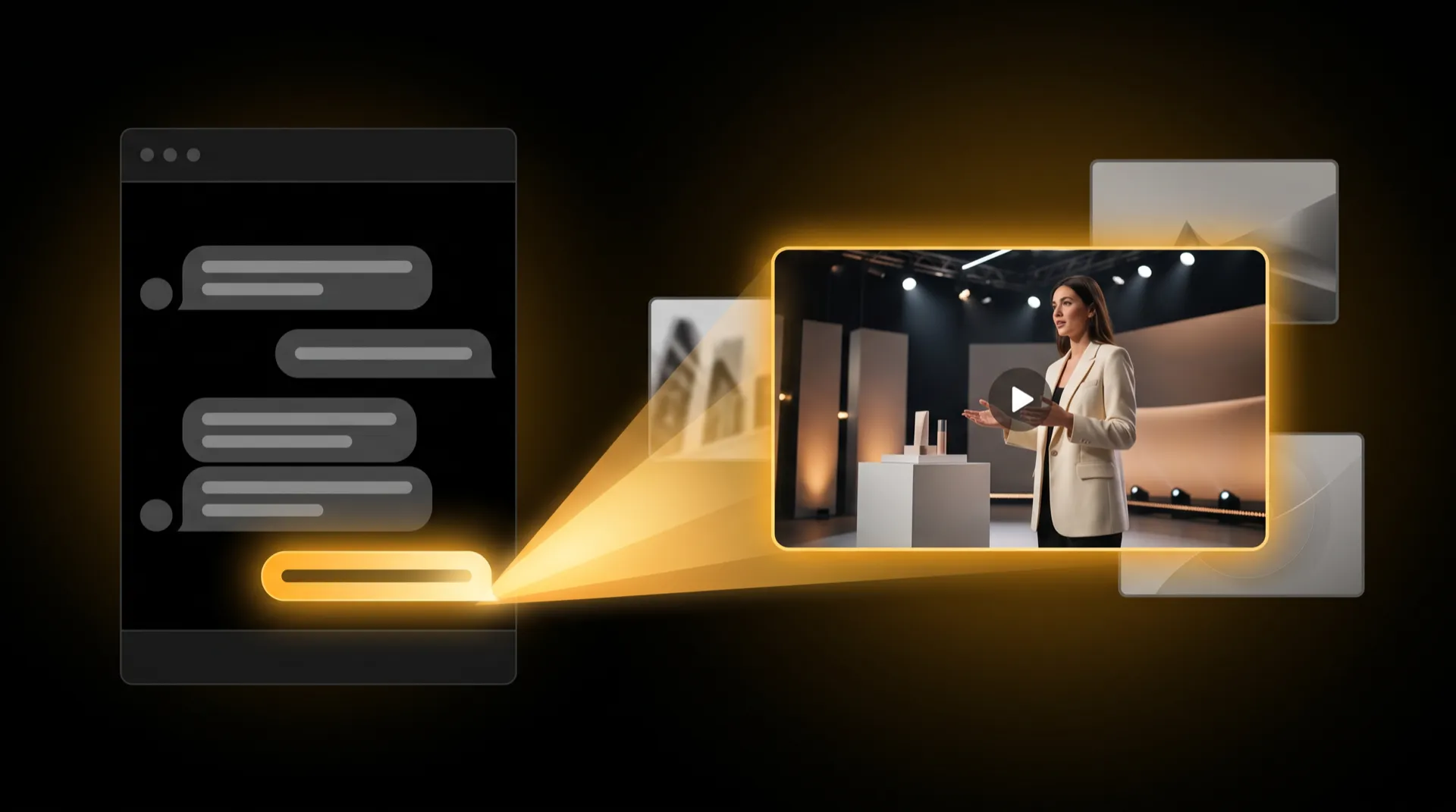
Director Room is built for this workflow: a brief-first way to go from idea to final video in one tool, one button per step:
- Brief: describe your product, audience, tone, platform and length; add your talent and product photos if you like
- Concept: Nour turns the brief into three concepts; tap the one you like
- Storyboard: one frame per shot, drawn for you; redraw a shot, reorder shots, or use your own image
- Videos: each frame becomes a video clip; redo any clip you don’t like
- Final video: voiceover and music are added and everything is cut into one finished ad
The price is on each button before anything is spent. Nour handles the routing (which AI model for images, which for video, which for voice), and your brand settings come with you. Want the same face in every ad? Build your spokesperson once in the Casting Room and cast them in the brief. Our page on AI UGC video ads walks through that setup step by step. Then add animated captions in Caption Studio and export it ready to post.
FAQ
How much does an AI video ad cost to make?
A fraction of the cost of a traditional shoot. You skip the scriptwriter, videographer, actors, editor and voiceover artist, and pay for the generations instead: the script, the visuals, the voiceover, the music and the captions.
In MeetNour’s Director Room the price is on each button before anything is spent, so you know the cost of every step, and of every redo, before you commit.
Can AI make a talking spokesperson for my ad?
Yes. Video models such as Kling 3 handle facial expressions and lip-sync well, and Seedance 2.5 generates speech together with the picture in clips of up to 30 seconds.
If you want the same face in every ad, build your spokesperson once in the Casting Room and cast them in each brief, so every variant keeps the same look.
How long should an AI video ad be?
For social placements, 15 to 30 seconds is the sweet spot, and the article’s script template uses 30 seconds: hook in the first 5 seconds, problem, solution, then the call to action. Ads of up to 60 seconds also work on TikTok, Reels and Facebook.
Whatever the length, the first few seconds matter most, because many viewers decide whether to keep watching right there.
Can I A/B test AI video ads?
Yes, and it is one of the biggest advantages of making ads with AI. Because each variant costs a fraction of a shoot, you can make 10 to 20 variants in an afternoon with different hooks, visuals, voices and music.
Run them all, scale the winner and stop the rest. A good start is three hook styles for the same ad: problem-led, benefit-led and curiosity-led.
Publishing AI-generated content that looks real? Many platforms and laws require you to label it as AI-generated.
MeetNour is launching soon. Join the waitlist to try it on day one.

Write a brief.
Get a full campaign.
MeetNour is your AI production team in one tool: images, videos, AI avatars, effects, voiceovers and captions, with your brand kit and AI talent. A short shelf of leading AI models, kept current: Nour picks the right one for each job, or you choose.