Kling 4.0 Guide: What's New and How to Prompt It
Kling 4.0 is the new AI video model from Kuaishou’s Kling AI. It went live on the Kling AI website in mid October 2026. It makes clips of 3 to 30 seconds in one pass, follows up to 10 keyframes and up to 15 references, and can extend a clip to two minutes. It has no public API yet, so other tools cannot offer it today.
This guide covers what changed from Kling 3.0, who can use Kling 4.0 right now, what is still marked “coming soon”, and how to write prompts for it. It is written on paper: the facts come from Kling’s own pages and Kling’s press release, all read on October 17, 2026. We have not run Kling 4.0 ourselves, so nothing here says how its output looks on your brief.
Is Kling 4.0 Out?
Yes, on Kling’s own website. Kling AI announced it in a press release dated October 16, 2026 (distributed by GlobeNewswire), which says Kling 4.0 is fully available on the Kling AI website. One review site reports the model appeared in Kling’s creator interface on October 15. Before that, a lighter version, Kling 4.0 Flash, had been in limited early access since September 28, 2026, according to Kling’s own blog post about the model.
Two things are not live yet, according to the same press release:
- API access for developers and businesses is “coming soon”.
- Adobe Firefly will add Kling 4.0 and Kling 4.0 Flash “soon”.
So for now, using Kling 4.0 means working inside Kling’s own site and paying for a Kling plan.
What Is New in Kling 4.0
Here is Kling 4.0 next to Kling 3.0, the version available through Kling’s API today. The Kling 4.0 column comes from Kling’s Kling 4.0 feature page and Kling’s blog post (both read October 17, 2026). The Kling 3.0 column comes from our Kling 3.0 vs Seedance 2.5 comparison.
| Kling 3.0 | Kling 4.0 | |
|---|---|---|
| Clip length in one pass | 3 to 15 seconds | 3 to 30 seconds |
| Longer videos | Not covered in our sources | Extension up to 2 minutes in total |
| Frames you control | Start and end frame | Up to 10 keyframes along the timeline |
| References | Up to 7 images (Omni version) | Up to 15 in total: up to 10 images, up to 5 videos (30 seconds combined), up to 7 subjects, plus voice references |
| Prompt length | Not covered in our sources | Up to 8,000 tokens |
| Resolution | 720p (Standard), 1080p (Pro) | Up to 4K listed; 4K and 1080p 10-bit HDR marked “coming soon” |
| Shapes | Not covered in our sources | 16:9, 9:16, 1:1, plus 21:9 (marked “coming soon” on the feature page) |
| Sound | Optional | Stereo sound, better lip sync, voice references |
| Editing | Omni version edits a video | Add, replace or remove elements, change backgrounds, expressions, colors and camera angles |
Three changes matter most for ads and social video:
- 30 seconds is a full ad. Most social ads run 15 to 30 seconds. Kling 4.0 can make that length in one pass instead of stitching 15-second clips.
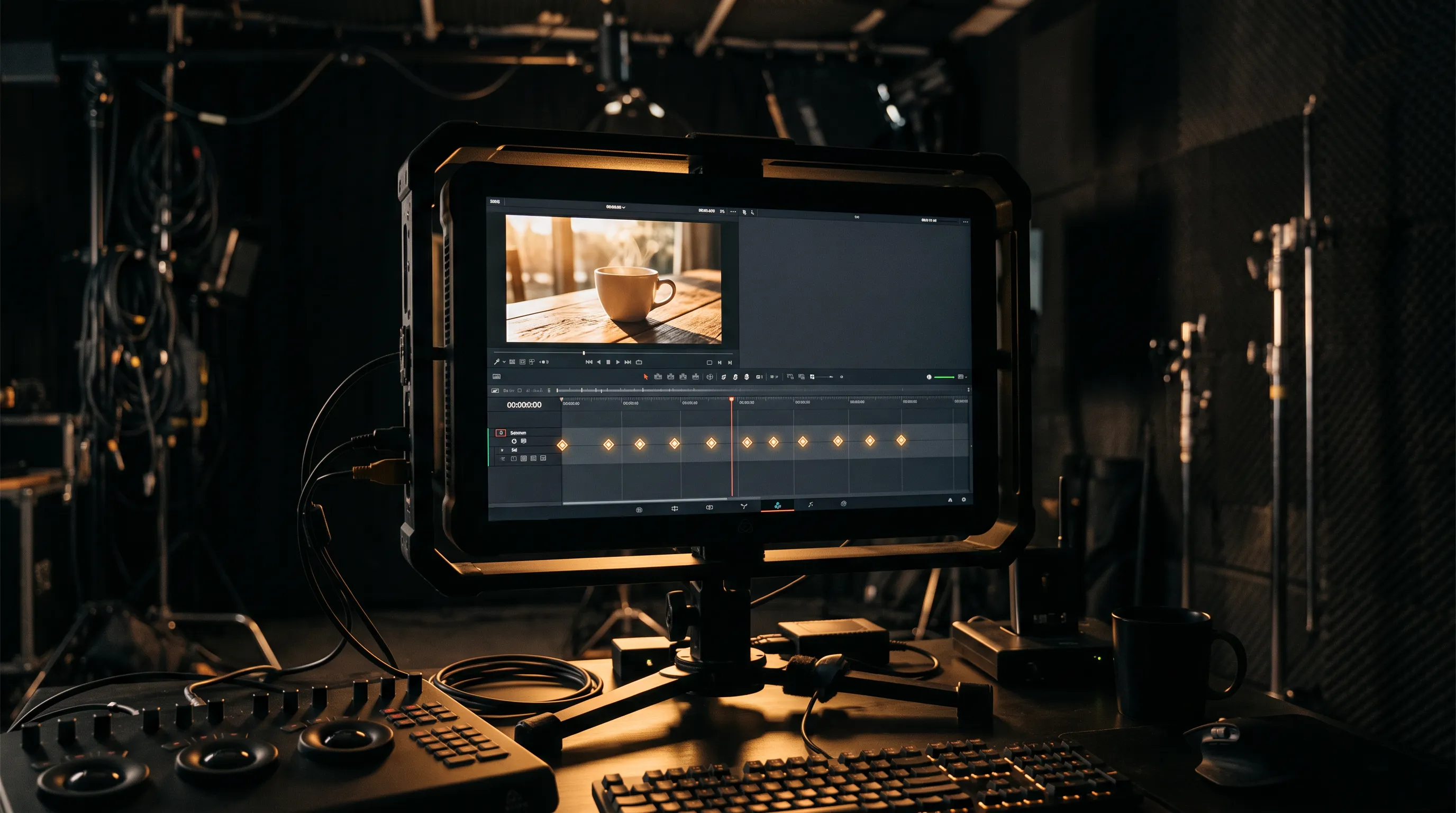
- Ten keyframes give you a storyboard. Kling 3.0 let you fix the first and last frame. Kling 4.0 lets you fix up to ten moments, so the product shot, the reveal and the logo can land where you planned them.
- Fifteen references keep things consistent. A face, an outfit, a product, a location and a camera move can each get their own reference in one generation.
What is still “coming soon”
Kling’s own pages disagree with themselves on resolution. The feature page says Kling 4.0 supports output up to 4K, and in the same FAQ marks 4K and 1080p with 10-bit HDR as “coming soon”. The 21:9 ultrawide shape carries the same label. If a project depends on 4K or 21:9, check the options in Kling’s generator before you plan around them.
How Much Does Kling 4.0 Cost?
Kling has not published a per-second credit rate for Kling 4.0 as of October 17, 2026. Reviews list Kling’s monthly plans and report a launch discount on the higher plans, but they disagree, and none shows an official rate for 4.0 clips. Check the price in Kling’s generator for the length and quality you want before you commit a budget. Expect longer and sharper clips to cost more, as they do with every video model.
Kling 4.0 vs Kling 3.0: Which to Use Now
- Use Kling 4.0 when you work inside Kling’s website and need one long take (over 15 seconds), many keyframes or many references in a single clip.
- Use Kling 3.0 when you need the model inside another tool or workflow. Kling 3.0 has an API, so it is available in AI video tools today, including MeetNour. Its start and end frame control is still the right fit for short product shots and storyboard frames.
- Consider Seedance 2.5 for a 30-second single take with a spoken line, in a tool you already use. On paper it also makes clips of up to 30 seconds with sound made in the same pass. Our Seedance 2.5 guide covers where it fits.
Once Kling 4.0 has a public API, this changes. A fair side-by-side test on real briefs will be possible then.
How to Prompt Kling 4.0
Kling’s blog post gives a clear method for the new model. Here it is in our words, with an example.
- Decide the job first. An ad, a product demo, a UGC-style clip and a brand film need different pacing, references and prompts.
- Split the 30 seconds into beats. Write down the four to six moments the viewer must see, then put a keyframe on each one: the hook, the product, the proof, the payoff, the logo.
- Give every reference one job. One image for the face and outfit, one for the product’s shape, color and logo, one for the location, one video for the camera move or the pacing. A reference that tries to do everything gets followed loosely.
- Write like a shot list. For each beat, name the subject, the action, the setting, the camera, the light, the pace and the sound.
- Direct the dialogue. If someone speaks, describe their expression, how they move and the tone of voice, not only the words.
- Fix parts, not the whole. If one element is wrong, edit that element instead of regenerating all 30 seconds.
An example prompt for a 20-second product ad, built that way:
20-second vertical ad for a ceramic coffee cup, warm morning light.
Beat 1 (0-4 s): close-up of steam rising from the cup on a wooden table, slow push-in.
Beat 2 (4-10 s): a woman in a cream sweater lifts the cup and smiles at the camera, handheld feel.
Beat 3 (10-16 s): orbit around the cup on the table, the logo on the side turns to face camera.
Beat 4 (16-20 s): pull back to the full kitchen, soft piano, she says "Mornings, done right." in a calm, warm voice.
References: image 1 = the woman (face, hair, sweater), image 2 = the cup and logo, video 1 = the orbit move.
The camera words in that prompt (push-in, orbit, pull back) work across most video models. Our guide to AI camera movements explains 50 of them and when to use each.
What Kling 4.0 Means for Ads and Social Video
The direction is clear: video models now take a whole storyboard, not a single prompt. A 30-second ad with a fixed face, a fixed product and planned moments is close to one generation. That favors people who plan before they generate.
Two cautions. First, a model that takes 15 references also takes 15 chances to be told the wrong thing, so one job per reference matters more than ever. Second, a new model’s first weeks bring rate limits, price changes and quiet updates. Test it on a small brief before you move a campaign to it.
Kling 4.0 and MeetNour
Kling 4.0 is not on the MeetNour shelf today, because it has no public API yet. As of October 17, 2026, the Kling family on MeetNour means Kling 3 and Kling O3, next to Seedance 2.5 for 30-second takes with sound. We keep the shelf short and current: when a better model arrives, it replaces the one it beats.
What you can do now in MeetNour, with the models on the shelf:
- Casting Room: build a person once, with an identity sheet of eight views, and use them across your clips. We aim for 85 to 90% face consistency; results vary.
- Director Room: write a brief and get three concepts, a storyboard with one frame per shot, the clips and a final video with voiceover and music. Each storyboard frame becomes the start of its clip, the job Kling 3 is built for.
- AI Studio: choose the model yourself, or let Nour pick one for the job. The price is on the button before you generate.
FAQ
Is Kling 4.0 available now?
Yes, on the Kling AI website. Kling announced it in a press release dated October 16, 2026, and one review site saw it in Kling’s creator interface on October 15. A lighter version, Kling 4.0 Flash, had been in limited early access since September 28.
How long can Kling 4.0 videos be?
Kling 4.0 makes clips of 3 to 30 seconds in one pass. With video extension, a clip can grow to about two minutes in total. Kling 3.0 tops out at 15 seconds.
Does Kling 4.0 have an API?
Not yet. As of October 17, 2026, Kling says API access for developers and businesses is coming soon. Until then, tools built on model APIs, including MeetNour, cannot offer Kling 4.0.
How much does Kling 4.0 cost?
Kling has not published a per-second rate for Kling 4.0 as of October 17, 2026. Check the price shown in Kling’s generator for your clip length and quality before you plan a budget.
Is Kling 4.0 better than Kling 3.0?
On paper, Kling 4.0 does more: twice the clip length, ten keyframes instead of two frames, and up to 15 references. Kling 3.0 is still the one you can use inside other tools today, and its start and end frame control suits short product shots.
MeetNour is launching soon. Join the waitlist to turn a brief into a finished video with the models on our shelf.

Write a brief.
Get a full campaign.
MeetNour is your AI production team in one tool: images, videos, AI avatars, effects, voiceovers and captions, with your brand kit and AI talent. A short shelf of leading AI models, kept current: Nour picks the right one for each job, or you choose.